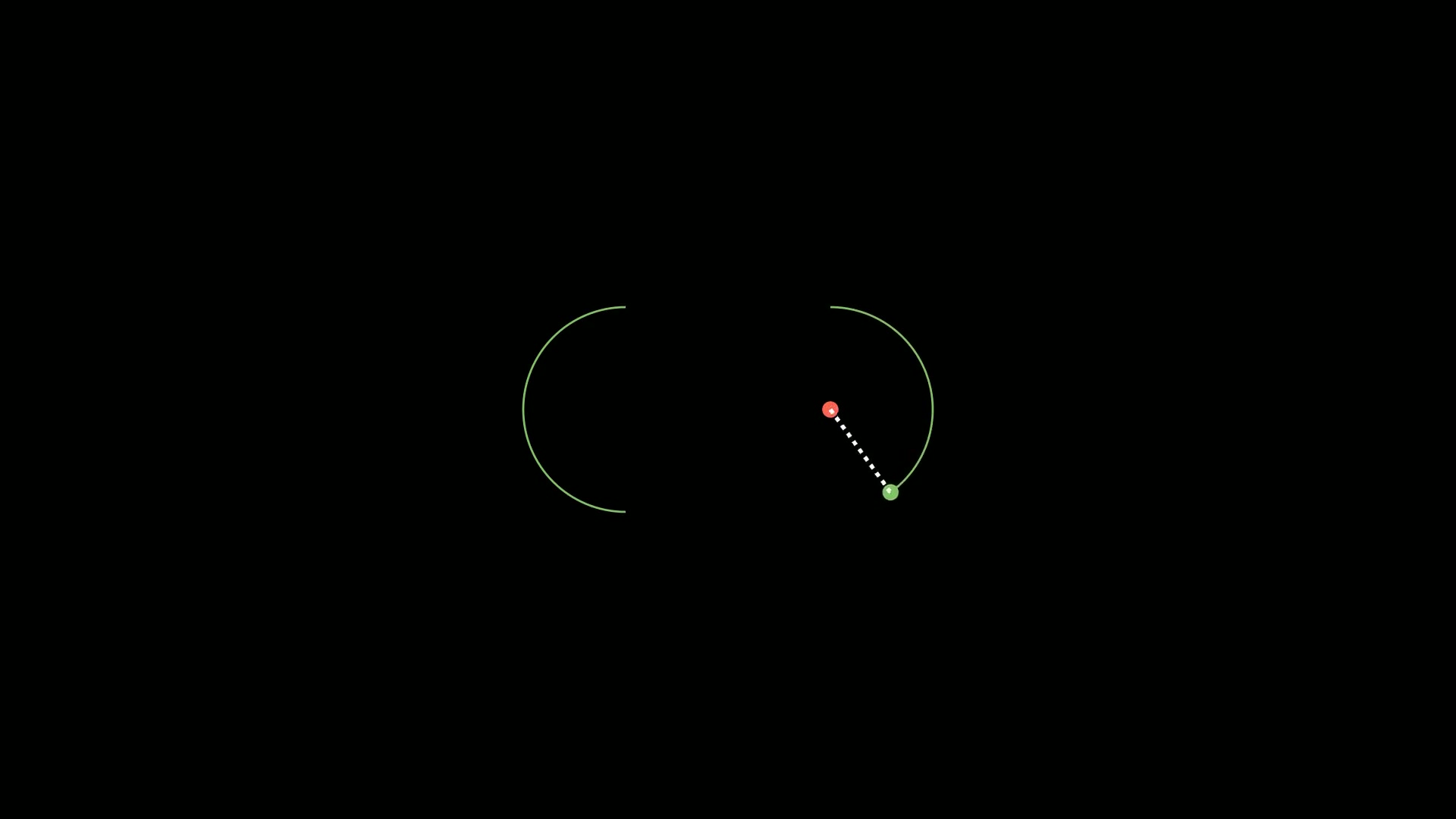
在数学可视化中,显函数 y=f(x) 相对容易处理,但隐函数 F(x,y)=0 的绘制则更具挑战性。
Manim库中的ImplicitFunction类专门用于解决这个问题,它能够高效地绘制各种复杂的隐函数曲线。
ImplicitFunction的典型应用场景包括:
- 高等数学教学:绘制圆锥曲线(椭圆、双曲线)、心形线、双纽线等
- 工程应用:可视化等值线、等高线、势能面
- 物理模拟:绘制电场/磁场的等势线、相平面轨迹
- 计算机图形学:生成特殊曲线和曲面
- 代数几何:研究代数曲线的性质
今天,我们将深入探讨Manim中的ImplicitFunction类,了解其作用、应用场景以及如何通过实际示例展示其强大功能。
1. 主要参数
ImplicitFunction的主要参数有:
| 参数 |
类型 |
说明 |
func |
Callable[[float, float], float] |
必需参数,二元函数F(x,y) |
x_range |
Sequence[float] |
x轴的取值范围,如[-3,3] |
y_range |
Sequence[float] |
y轴的取值范围,如[-3,3] |
color |
Color |
曲线颜色,默认为WHITE |
min_distance |
float |
点之间的最小距离(控制曲线精度) |
max_quads |
int |
用于渲染的最大四边形数量(性能优化) |
use_smoothing |
bool |
是否使用平滑处理(默认True) |
delta |
float |
采样步长(影响曲线精度) |
func参数是隐式函数的形式,这个函数需要接受两个浮点数x 和 y,并返回一个浮点数。
2. 主要方法
ImplicitFunction的主要方法有:
| 名称 |
说明 |
| generate_points |
初始化points属性,从而定义形状。这个方法在对象创建时被调用 |
| init_points |
与generate_points类似,用于初始化points属性 |
3. 使用示例
为了更好地理解ImplicitFunction的功能,我们将通过几个示例来展示其在不同场景中的应用。
3.1. 基本隐函数(圆)
这个示例展示最基本的隐函数绘制,通过方程 x2+y2=1 绘制单位圆。
注意x_range和y_range的设置需要包含整个曲线。
1
2
3
4
5
6
7
8
9
10
11
12
13
14
15
16
17
18
19
20
21
| from manim import *
import numpy as np
def head(cn, en):
t = Text(cn, font="STLiti", font_size=27).to_edge(UP)
s = Text(en, font="Consolas", font_size=20, color=YELLOW).next_to(t, DOWN, buff=0.10)
return VGroup(t, s)
def foot(cn):
return Text(cn, font="STLiti", font_size=20, color=YELLOW).to_edge(DOWN)
class ImplicitCircle(Scene):
def construct(self):
self.add(head("隐函数可视化:单位圆", "ImplicitFunction"))
axes = Axes(x_range=[-3, 3, 1], y_range=[-3, 3, 1], x_length=7, y_length=5.4,
axis_config={"color": GREY_B}).add_coordinates()
circle = ImplicitFunction(lambda x, y: x**2 + y**2 - 1,
x_range=[-2.5, 2.5], y_range=[-2.5, 2.5], color=RED)
circle.set_stroke(RED, width=6)
label = MathTex("x^2+y^2=1", color=YELLOW).scale(0.85).to_corner(UR)
self.add(axes, label)
self.play(Create(circle), run_time=3)
self.play(FadeIn(foot("求解 f(x,y)=0 的等值线,无需显式 y=f(x)")), run_time=0.4)
self.wait(2.2)
|
下载 Python 脚本
3.2. 动态参数变化(椭圆)
这个示例使用ValueTracker和always_redraw实现动态变化的椭圆,展示如何通过改变参数实时更新隐函数图像。
1
2
3
4
5
6
7
8
9
10
11
12
13
14
15
16
17
18
19
20
21
22
| from manim import *
import numpy as np
def head(cn, en):
t = Text(cn, font="STLiti", font_size=27).to_edge(UP)
s = Text(en, font="Consolas", font_size=20, color=YELLOW).next_to(t, DOWN, buff=0.10)
return VGroup(t, s)
def foot(cn):
return Text(cn, font="STLiti", font_size=20, color=YELLOW).to_edge(DOWN)
class ImplicitEllipse(Scene):
def construct(self):
self.add(head("隐函数 + ValueTracker 动态椭圆", "always_redraw / ValueTracker"))
axes = Axes(x_range=[-4, 4, 1], y_range=[-3, 3, 1], x_length=8, y_length=5.6,
axis_config={"color": GREY_B})
a, b = ValueTracker(1.0), ValueTracker(1.0)
ell = always_redraw(lambda: ImplicitFunction(
lambda x, y: x**2 / a.get_value()**2 + y**2 / b.get_value()**2 - 1,
x_range=[-4, 4], y_range=[-3, 3], color=GREEN).set_stroke(GREEN, width=6))
self.add(axes, ell)
self.play(a.animate.set_value(3.0), run_time=2.5)
self.play(b.animate.set_value(2.0), run_time=2.5)
self.play(FadeIn(foot("改变参数即重算等值线,曲线实时跟随")), run_time=0.4)
self.wait(1.4)
|
下载 Python 脚本
3.3. 复杂曲线(笛卡尔心形线)
这个示例展示复杂隐函数的绘制,绘制了一个心形曲线。
1
2
3
4
5
6
7
8
9
10
11
12
13
14
15
16
17
18
19
20
21
| from manim import *
import numpy as np
def head(cn, en):
t = Text(cn, font="STLiti", font_size=27).to_edge(UP)
s = Text(en, font="Consolas", font_size=20, color=YELLOW).next_to(t, DOWN, buff=0.10)
return VGroup(t, s)
def foot(cn):
return Text(cn, font="STLiti", font_size=20, color=YELLOW).to_edge(DOWN)
class ImplicitHeart(Scene):
def construct(self):
self.add(head("隐函数:心形线", "ImplicitFunction / cubic curve"))
heart = ImplicitFunction(
lambda x, y: (x**2 + y**2 - 1)**3 - x**2 * y**3,
x_range=[-1.6, 1.6], y_range=[-1.3, 1.8], color=PINK)
heart.set_stroke(PINK, width=7).scale(1.5)
label = MathTex("(x^2+y^2-1)^3 = x^2y^3", color=GREEN).scale(0.7).to_corner(UR)
self.add(label)
self.play(Create(heart), run_time=3.4)
self.play(heart.animate.set_stroke(RED, width=9), run_time=1.2)
self.play(FadeIn(foot("隐式方程能表达显式函数难以描述的封闭曲线")), run_time=0.4)
self.wait(1.6)
|
下载 Python 脚本
4. 附件

主观感受,仅供参考。本文采用 本文采用 CC BY-NC-SA 4.0 许可 协议,
完整转载请注明来自
数学动画引擎。