在Manim中,很多的动画都会用到物体对象的移动,今天我们来汇总一下在Manim中如何移动对象。
1.shift()
shift以自身为参考,直接对物体操作,沿指定方向向量移动,方向可使用预定义常量(如UP、DOWN、LEFT、RIGHT)或自定义向量(如UP + LEFT表示对角线移动),所以说shift执行的是相对位移,如果你创建一个对象在某个位置,然后调用 shift(UP),它会从当前位置向上移动 1 个单位。
shift方法它不改变对象的内部属性(如半径、顶点等),只修改对象的 points 数组,为每个点加上位移向量,基于当前坐标位置进行位移。
1
2
3
4
5
6
7
8
9
10
11
12
13
14
15
16
17
18
19
20
21
22
23
| from manim import *
class CompareMovesShift(Scene):
def construct(self):
s1 = Square().set_color(RED)
s2 = Square().set_color(GREEN)
s3 = Square().set_color(BLUE)
s4 = Square().set_color(YELLOW)
self.play(Create(s1), Create(s2), Create(s3), Create(s4))
self.wait(0.5)
self.play(s1.animate.shift(UP * 2))
self.wait(0.3)
self.play(s2.animate.shift(LEFT * 2))
self.wait(0.3)
self.play(s3.animate.shift(DOWN * 2))
self.wait(0.3)
self.play(s4.animate.shift(RIGHT * 2))
self.wait(2)
|
常用的表达式为
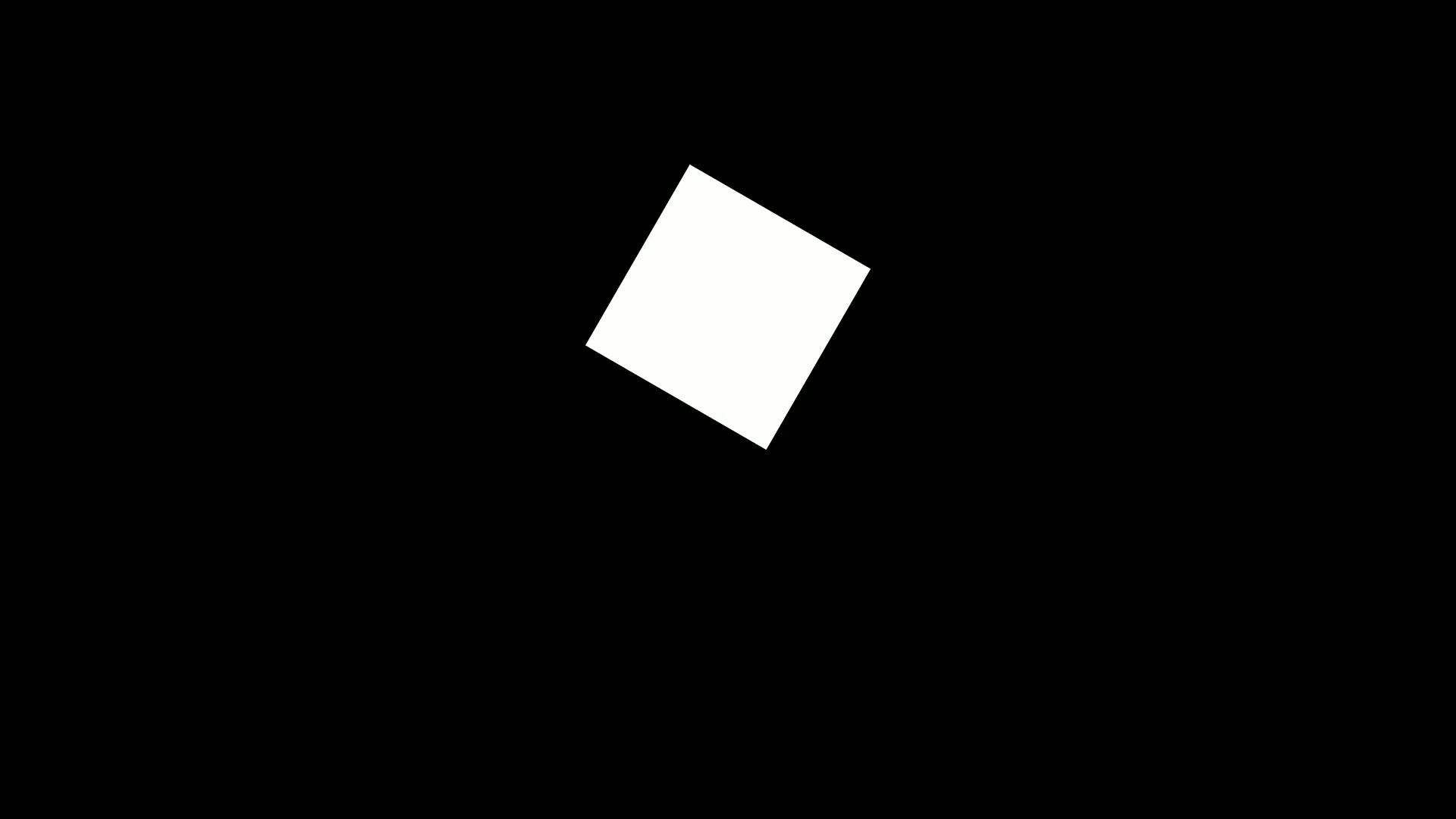
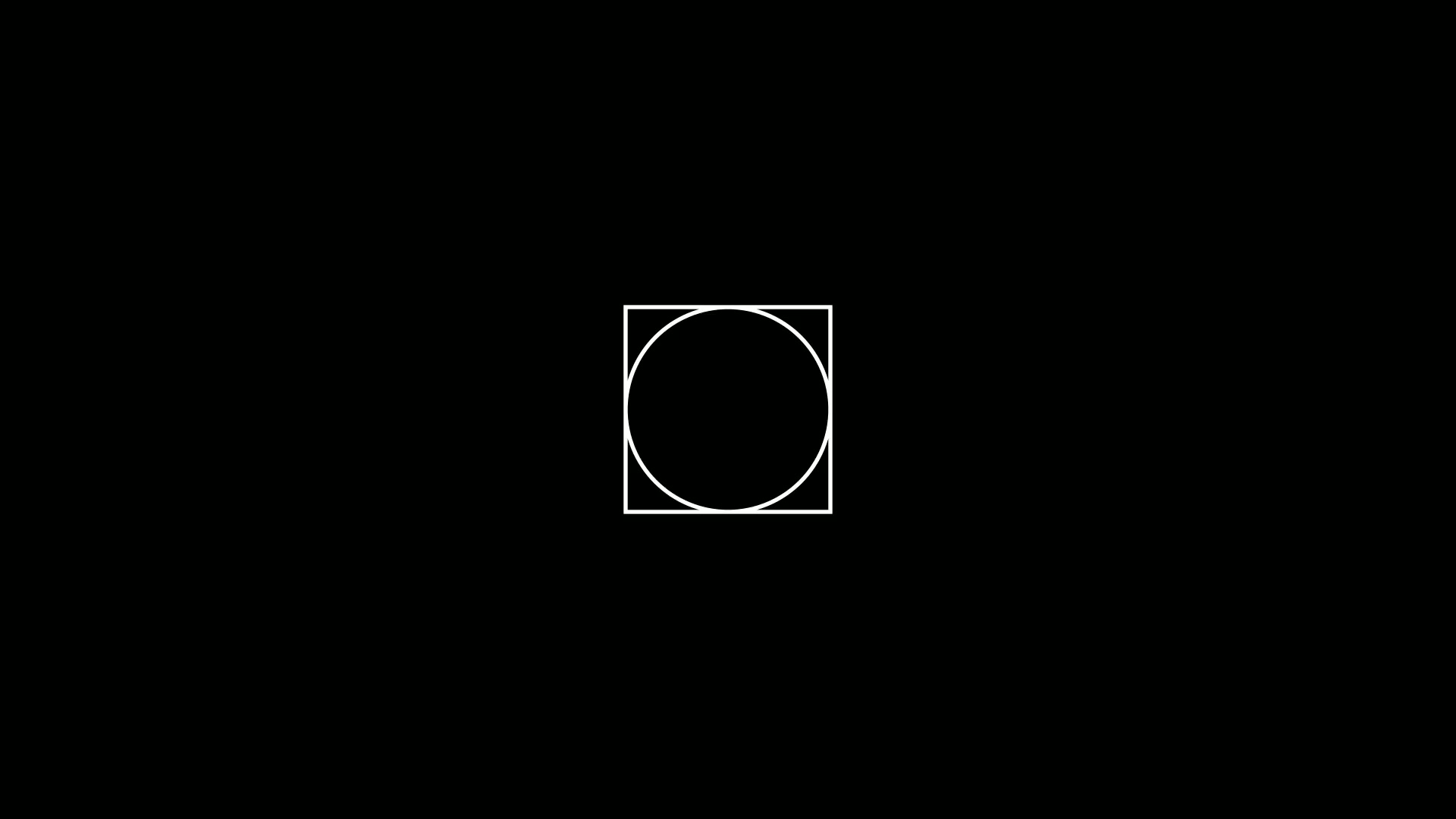
效果演示如下
2.move_to()
**obj.move_to()**是将元素移动到场景中的绝对坐标位置(格式为[x, y, z]),所以说 **obj.move_to()**是绝对定位方法,它将对象的中心点移动到指定的目标位置。
1
2
3
4
5
| obj.move_to(
point_or_mobject,
aligned_edge=ORIGIN,
coor_mask=np.array([1, 1, 1])
)
|
我们来看演示代码
1
2
3
4
5
6
7
8
9
10
11
12
| from manim import *
class MoveToExample(Scene):
def construct(self):
circle = Circle(color=RED, radius=0.5)
self.play(Create(circle))
self.wait(0.5)
self.play(circle.animate.move_to(np.array([3, 2, 0])))
self.wait()
|
来看演示的效果
1
| .move_to(np.array([3, 2, 0]))
|
我们用一个数组表示了一个点的坐标,也就是把圆平移到了[3, 2, 0]的位置。
3.next_to()
next_to() 用于将对象放置到另一个对象的旁边,保持一定的间距。它特别适合相对布局。
1
2
3
4
5
6
| obj.next_to(
mobject_or_point,
direction=RIGHT,
buff=DEFAULT_MOBJECT_TO_MOBJECT_BUFFER,
aligned_edge=ORIGIN
)
|
我们来看实例代码
1
2
3
4
5
6
7
8
9
10
11
12
13
14
15
16
17
18
19
20
21
22
23
| from manim import *
class NextToExample(Scene):
def construct(self):
square = Square(color=BLUE)
circle1 = Circle(color=RED, radius=0.3)
circle2 = Circle(color=GREEN, radius=0.3)
circle3 = Circle(color=YELLOW, radius=0.3)
self.play(Create(square))
self.wait(0.2)
self.play(circle1.animate.next_to(square, RIGHT, buff=0.1))
self.wait(0.2)
self.play(circle2.animate.next_to(square, RIGHT, buff=1.0))
self.wait(0.2)
self.play(circle3.animate.next_to(square, RIGHT, buff=2.0))
self.wait(1)
|
来看演示的效果
为了显示动画效果,我们使用的动画参数,只是为了方便大家了解这个相对参数。
4.做个总结
next_to() - 旁边放
1
| circle.next_to(square, RIGHT, buff=2.0)
|
move_to() - 移动到点
1
| circle.move_to([1, 2, 0])
|
或者使用数组
1
| circle.move_to(np.array([3, 2, 0]))
|
shift() - 看自身
在这里多说一句,还有一个align_to ,不过align_to 是Manim中用于对齐两个对象的重要方法,属于 Mobject(所有可显示对象的基类)的方法之一。有时间我们再探究这个问题。同时,如果不添加动画效果的话,生成的图形会直接显示在目标区,这也是为什么给这三个参数叫做瞬移的原因。

主观感受,仅供参考。本文采用 本文采用 CC BY-NC-SA 4.0 许可 协议,
完整转载请注明来自
数学动画引擎。