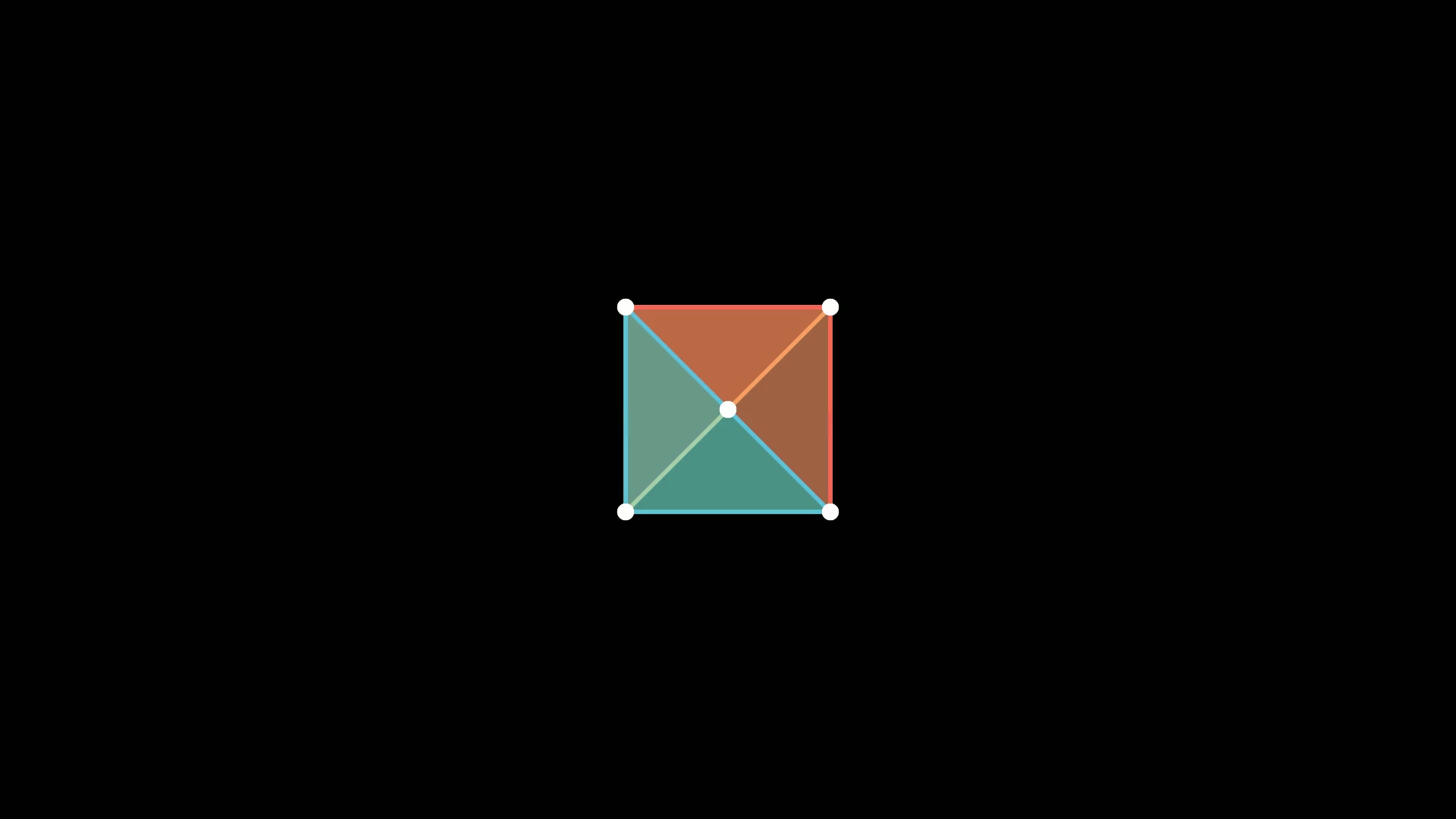
Rotate 让对象绕某个点旋转。示例演示传入角度以及指定旋转中心之后的效果差异,做几何演示、钟表、齿轮这类场景时很常用。
完整代码
1
2
3
4
5
6
7
8
9
10
11
12
13
14
| from manim import *
import numpy as np
class ExampleRotation(Scene):
def construct(self):
self.camera.background_color = WHITE
m1a = Square().set_color(RED).shift(LEFT)
m1b = Circle().set_color(RED).shift(LEFT)
m2a = Square().set_color(BLUE).shift(RIGHT)
m2b = Circle().set_color(BLUE).shift(RIGHT)
points = m2a.points
points = np.roll(points, int(len(points)/4), axis=0)
m2a.points = points
self.play(Transform(m1a,m1b),Transform(m2a,m2b), run_time=1)
self.wait(4.60)
|
演示视频
下载 Python 脚本
要点
- 角度用弧度,
PI/2 即 90 度
- 默认绕对象自身中心旋转;
about_point= 可指定别的旋转中心
Rotating 是带轴、可重复的旋转动画,与一次性的 Rotate 不是同一个类
代码来源:Manim Community 官方 Manim’s building blocks 示例 ExampleRotation,已在 Manim CE 0.20.1 实跑验证并生成上方视频。

主观感受,仅供参考。本文采用 本文采用 CC BY-NC-SA 4.0 许可 协议,
完整转载请注明来自
数学动画引擎。