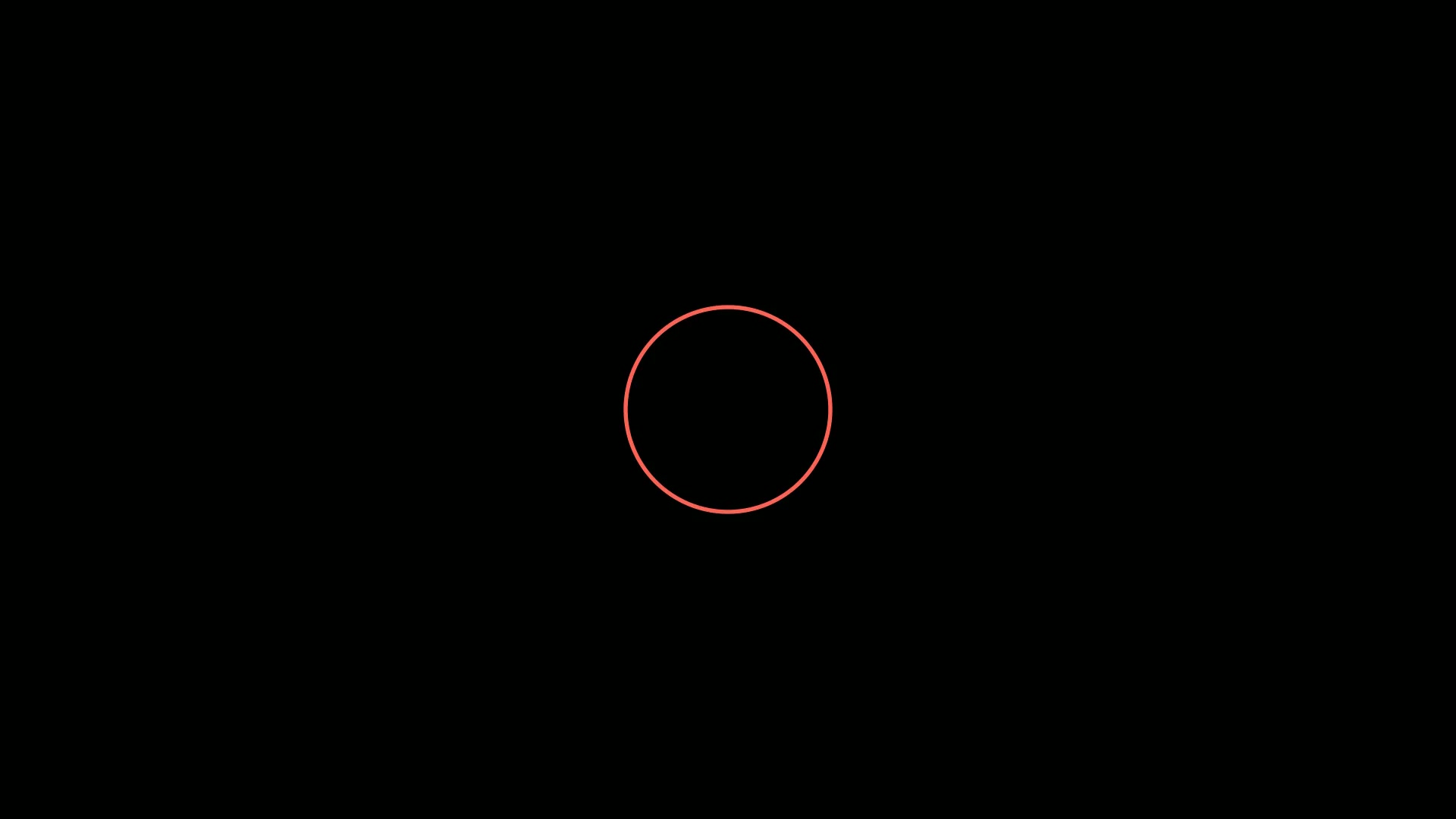
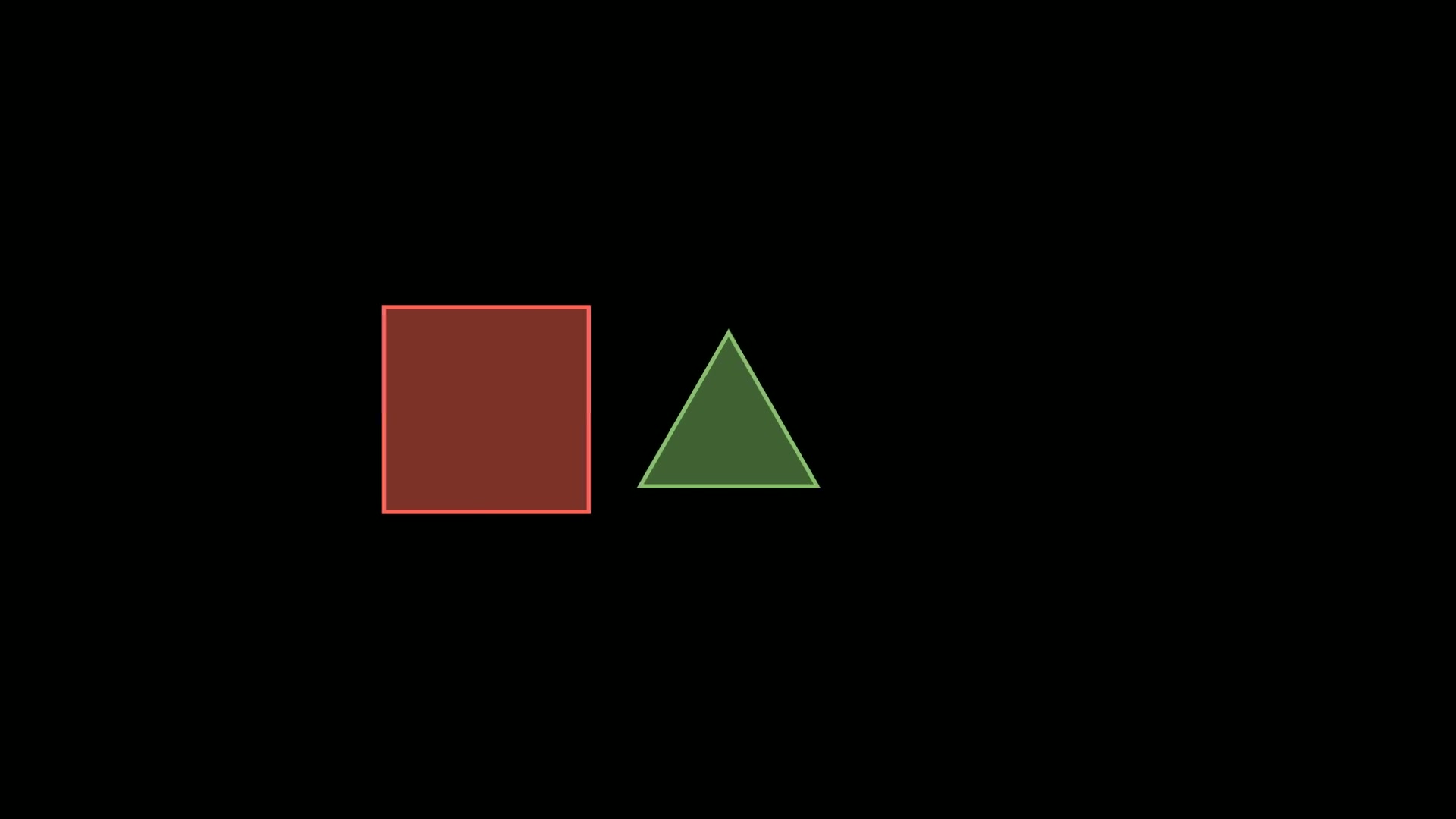
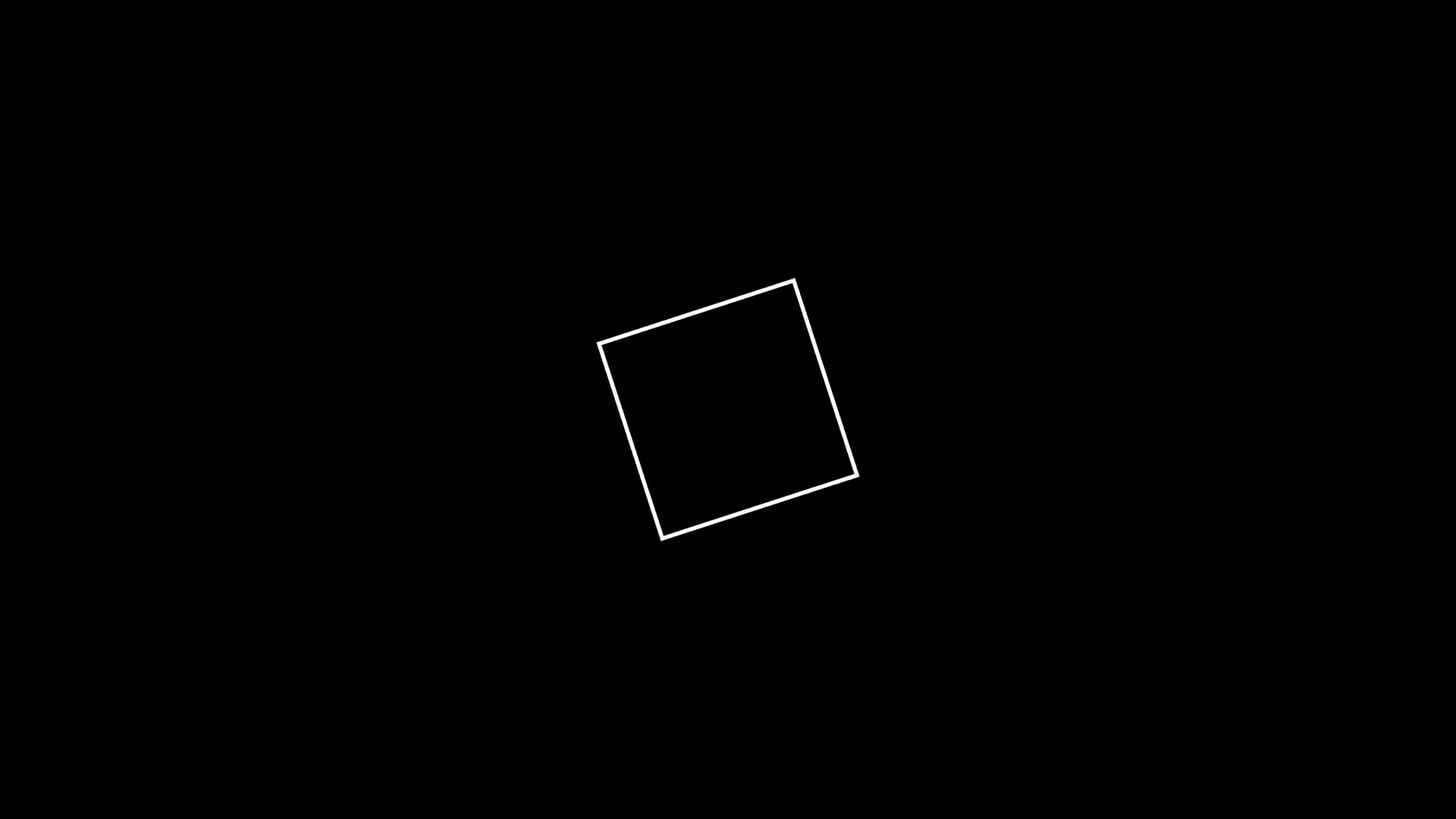
今天介绍的两个动画类ClockwiseTransform和CounterclockwiseTransform,

用于将某一个元素按照时针方向变换为另一个对象。

  1. ClockwiseTransform:将一个对象以顺时针方向变换成另一个对象
  2. CounterclockwiseTransform:将一个对象以逆时针方向变换成另一个对象

1. 动画概述

1.1. ClockwiseTransform

在数学动画中,当你需要展示一个图形顺时针旋转并逐渐演变成另一个图形的过程时,就可以使用ClockwiseTransform。

例如,在讲解几何图形的变换、函数图像的演变等场景中,这个动画能够直观地展示顺时针的变换过程,帮助观众更好地理解图形之间的关系。

顺时针变换是该动画类最显著的特点,它会使源对象以顺时针方向逐渐转变为目标对象。

它的参数主要有:

参数名称 类型 说明
mobject Mobject 起始的 Mobject
target_mobject Mobject 目标 Mobject
path_arc float 控制变换路径弧度的参数,用来确定对象在变换过程中所经过的顺时针弧线的弧度大小

1.2. CounterclockwiseTransform

CounterclockwiseTransform 与 ClockwiseTransform 类似,但它是将一个对象以逆时针方向变换成另一个对象。

在需要展示逆时针变换的场景中,如旋转木马的逆时针转动、几何图形的逆时针演变等,这个动画类就非常适用。

它的参数主要有:

参数名称 类型 说明
mobject Mobject 起始的 Mobject
target_mobject Mobject 目标 Mobject
path_arc float 控制变换路径弧度的参数,用来确定对象在变换过程中所经过的逆时针弧线的弧度大小

2. 使用示例

这两个类使用起来比较简单,也没什么参数,下面通过几个示例演示它们在实际动画中的一些可能的使用场景。

2.1. 图形顺时针变换

这个示例实现了一个三角形顺时针变换为正方形的动画,直观展示了ClockwiseTransform对单个图形的变换效果。

1
2
3
4
5
6
7
8
9
10
11
12
from manim import *
class ClockOneDemo(Scene):
def construct(self):
title = Text("ClockwiseTransform:三角形顺时针变为正方形", font="STLiti", font_size=28).to_edge(UP)
self.play(FadeIn(title), run_time=0.6)
triangle = Triangle(color=BLUE, stroke_width=8).scale(1.25).move_to(DOWN * 0.4 + LEFT * 2)
square = Square(side_length=2.0, color=YELLOW, stroke_width=8).move_to(DOWN * 0.4 + RIGHT * 2)
self.play(FadeIn(triangle), run_time=0.8)
self.play(ClockwiseTransform(triangle, square), run_time=2.4)
note = Text("源对象沿顺时针弧线移动并渐变为目标对象", font="STLiti", font_size=21, color=YELLOW).to_edge(DOWN)
self.play(FadeIn(note), run_time=0.4)
self.wait(1.8)

下载 Python 脚本

2.2. 多个图形顺时针变换

这个示例创建了多个圆形,使其分别顺时针变换为正方形,展示了多个对象同时进行顺时针变换的场景。

1
2
3
4
5
6
7
8
9
10
11
12
13
14
from manim import *
class ClockManyDemo(Scene):
def construct(self):
title = Text("多个圆形同时顺时针变换为正方形", font="STLiti", font_size=28).to_edge(UP)
self.play(FadeIn(title), run_time=0.6)
left = [UP * 1.7 + LEFT * 2, LEFT * 2, DOWN * 1.7 + LEFT * 2]
right = [UP * 1.7 + RIGHT * 2, RIGHT * 2, DOWN * 1.7 + RIGHT * 2]
circles = VGroup(*[Circle(radius=0.55, color=BLUE, stroke_width=7).move_to(p) for p in left])
squares = VGroup(*[Square(side_length=1.0, color=YELLOW, stroke_width=7).move_to(p) for p in right])
self.play(*[FadeIn(c) for c in circles], run_time=0.8)
self.play(*[ClockwiseTransform(c, s) for c, s in zip(circles, squares)], run_time=2.4)
note = Text("逐对指定源与目标,三个变换同时播放", font="STLiti", font_size=21, color=YELLOW).to_edge(DOWN)
self.play(FadeIn(note), run_time=0.4)
self.wait(1.8)

下载 Python 脚本

2.3. 图形逆时针变换

这个示例将五边形逆时针变换为八边形,体现了CounterclockwiseTransform对单个图形的逆时针变换功能。

1
2
3
4
5
6
7
8
9
10
11
12
from manim import *
class CounterOneDemo(Scene):
def construct(self):
title = Text("CounterclockwiseTransform:五边形逆时针变八边形", font="STLiti", font_size=26).to_edge(UP)
self.play(FadeIn(title), run_time=0.6)
pentagon = RegularPolygon(n=5, color=GREEN, stroke_width=8).scale(1.2).move_to(UP * 0.2 + LEFT * 2)
octagon = RegularPolygon(n=8, color=RED, stroke_width=8).scale(1.2).move_to(UP * 0.2 + RIGHT * 2)
self.play(FadeIn(pentagon), run_time=0.8)
self.play(CounterclockwiseTransform(pentagon, octagon), run_time=2.4)
note = Text("path_arc 为正值,走逆时针弧线", font="STLiti", font_size=21, color=YELLOW).to_edge(DOWN)
self.play(FadeIn(note), run_time=0.4)
self.wait(1.8)

下载 Python 脚本

2.4. 多个图形逆时针变换

这个示例实现了多个三角形逆时针变换为菱形的动画,呈现了多个对象同时进行逆时针变换的效果。

1
2
3
4
5
6
7
8
9
10
11
12
13
14
from manim import *
class CounterManyDemo(Scene):
def construct(self):
title = Text("多个三角形同时逆时针变换为菱形", font="STLiti", font_size=28).to_edge(UP)
self.play(FadeIn(title), run_time=0.6)
left = [UP * 1.7 + LEFT * 2, LEFT * 2, DOWN * 1.7 + LEFT * 2]
right = [UP * 1.7 + RIGHT * 2, RIGHT * 2, DOWN * 1.7 + RIGHT * 2]
triangles = VGroup(*[Triangle(color=BLUE, stroke_width=7).scale(0.65).move_to(p) for p in left])
rhombuses = VGroup(*[RegularPolygon(n=4, color=GREEN, stroke_width=7).scale(0.7).move_to(p) for p in right])
self.play(*[FadeIn(t) for t in triangles], run_time=0.8)
self.play(*[CounterclockwiseTransform(t, r) for t, r in zip(triangles, rhombuses)], run_time=2.4)
note = Text("四边形的 RegularPolygon(n=4) 即菱形摆放", font="STLiti", font_size=21, color=YELLOW).to_edge(DOWN)
self.play(FadeIn(note), run_time=0.4)
self.wait(1.8)

下载 Python 脚本

3. 附件