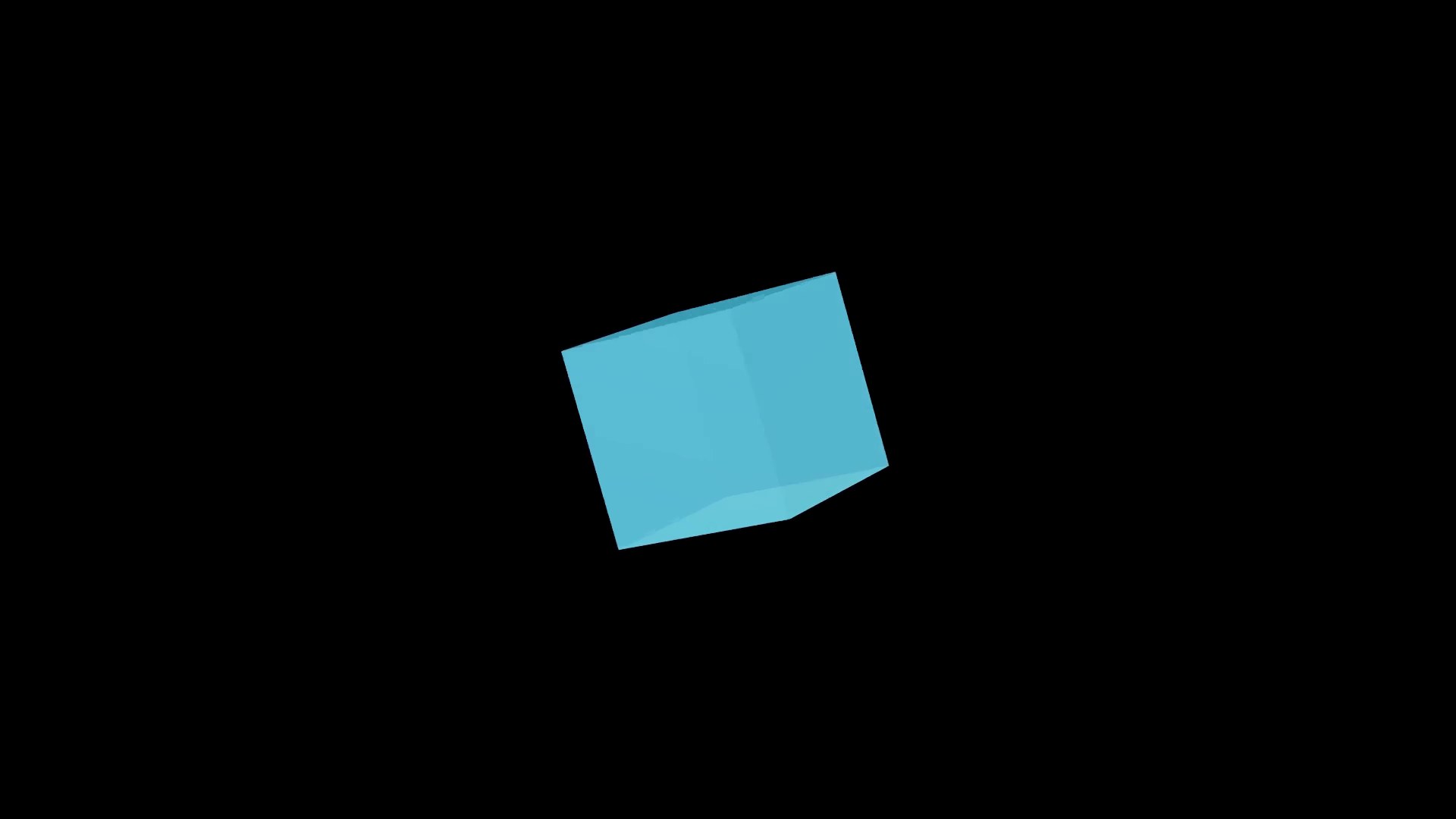
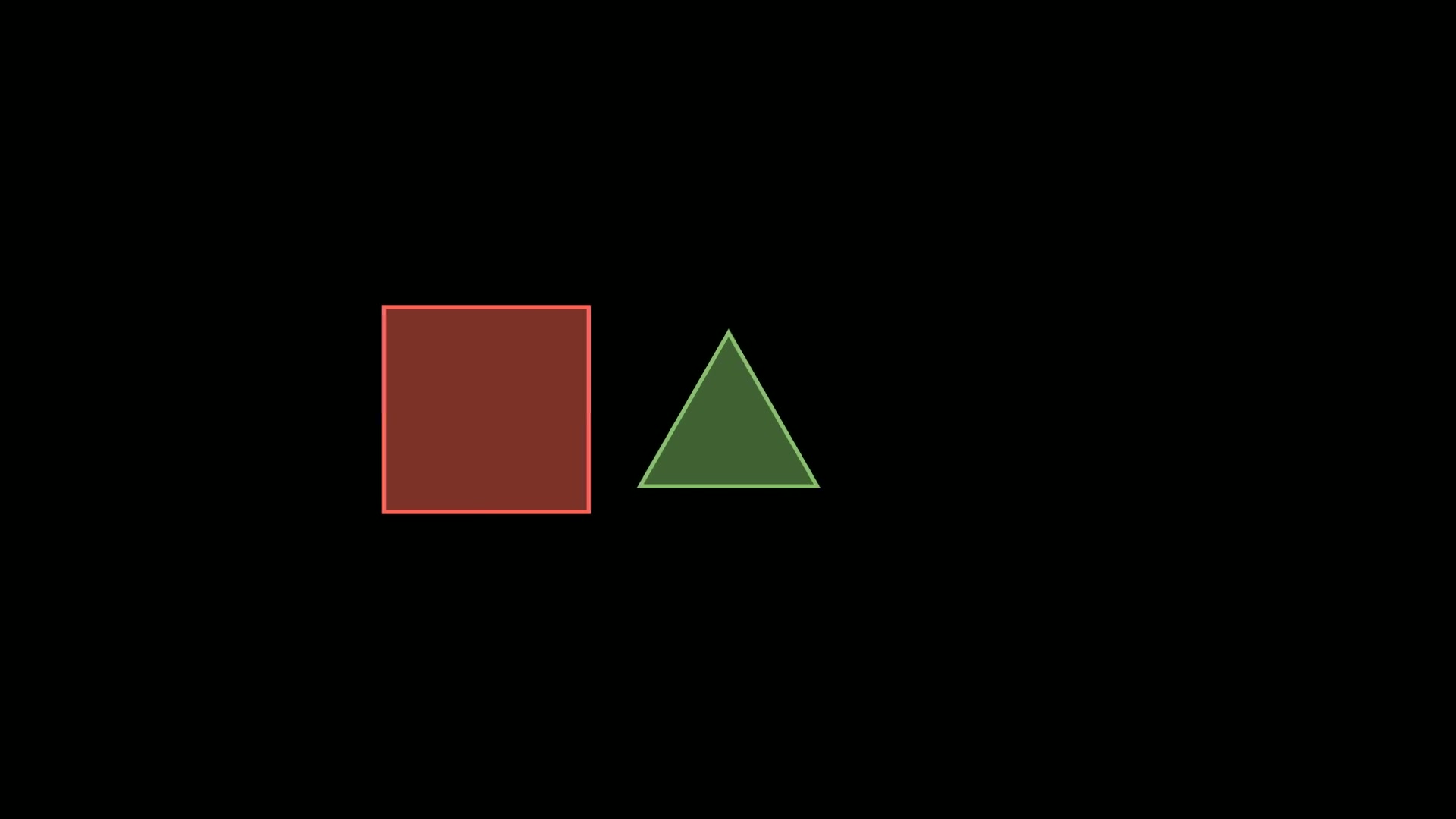
本篇介绍Manim中创建三维立体的两个常用对象:Cube和Prism。
Cube在制作动画时,可以用于展示立体几何中的立方体概念,或者通过旋转、缩放等动画效果来帮助理解三维空间中的几何变换。
Prism是长方体,继承自Cube,与Cube相比,它可以更进一步设置不同的边长。
1. 主要参数
Cube的主要参数有:
| 参数名称 |
类型 |
说明 |
| side_length |
float |
立方体的边长 |
| fill_opacity |
float |
立方体的透明度 |
| fill_color |
Color |
立方体的颜色 |
| stroke_width |
float |
设置立方体边框的宽度 |
Prism与Cube的区别在于它没有side_length参数,取而代之是dimensions参数。
| 参数名称 |
类型 |
说明 |
| dimensions |
tuple[float, float, float] |
长方体的长,宽和高 |
Prism的dimensions参数长宽高定义为同样的值时,就是Cube。
2. 主要方法
Cube和Prism的没有特有的方法,对于通用的方法都支持,
比如shift(平移),rotate(旋转)和scale(缩放)等。
3. 使用示例
这个对象的使用比较简单,下面的示例演示其基本的使用和操作。
3.1. 默认显示
这个示例展示了如何在Manim中创建并显示一个立方体(Cube)和一个长方体(Prism)。
1
2
3
4
5
6
7
8
9
10
11
12
13
14
15
16
| from manim import *
import numpy as np
from numpy import array, pi, cos, sin
run_time = 1
data = [[1, 2], [3, 4]]
def dot(pos, **kwargs):
return Dot(pos, **kwargs)
class N095_03(Scene):
def construct(self):
sc = self
cube = Cube(fill_color=RED)
prism = Prism(fill_color=GREEN)
self.play(cube.animate.shift(RIGHT), prism.animate.shift(LEFT))
self.play(cube.animate.rotate(PI / 4), prism.animate.rotate(-PI / 4))
self.wait(0.5)
self.wait(3.10)
|
3.2. 变换颜色
在这个示例中,首先创建了一个红色的立方体和一个蓝色的长方体。
接着,立方体逐渐变化为绿色,而长方体逐渐变化为黄色。
实际动画中,通过颜色的变换可以更好地演示形状属性的动态变化。
1
2
3
4
5
6
7
8
9
10
11
12
13
14
15
16
17
18
| from manim import *
import numpy as np
from numpy import array, pi, cos, sin
run_time = 1
data = [[1, 2], [3, 4]]
def dot(pos, **kwargs):
return Dot(pos, **kwargs)
class N095_04(Scene):
def construct(self):
sc = self
cube = Cube(fill_color=RED)
prism = Prism(fill_color=GREEN)
cube.next_to(prism, RIGHT)
vg = VGroup(cube, prism)
self.play(vg.animate.shift(UP))
self.play(vg.animate.rotate(PI / 2, axis=UP))
self.wait(0.5)
self.wait(3.10)
|
3.3. 移动和旋转
此示例首先展示了一个立方体和一个长方体。
接下来,让立方体向右移动,而长方体向左移动,然后立方体顺时针旋转45度,而长方体则逆时针旋转45度。
这种移动和旋转的效果可以生动地展示三维空间中的几何变换。
1
2
3
4
5
6
7
8
9
10
11
12
13
14
15
| from manim import *
class Demo(Scene):
def construct(self):
cube = Cube(fill_color=RED)
prism = Prism(fill_color=GREEN)
self.play(
cube.animate.shift(RIGHT),
prism.animate.shift(LEFT),
)
self.play(
cube.animate.rotate(PI / 4),
prism.animate.rotate(-PI / 4),
)
self.wait(3.00)
self.wait(0.60)
|
下载 Python 脚本
3.4. 组合使用
在这个示例中,同样先创建一个立方体和一个长方体。
然后将这两个形状组合成一个整体,再整体向上移动,并旋转一个小角度。
这种组合使用的方式可以展示如何在Manim中处理和组织多个形状,以及如何对它们进行整体的动画效果。
1
2
3
4
5
6
7
8
9
10
11
| from manim import *
class Demo(Scene):
def construct(self):
cube = Cube(fill_color=RED)
prism = Prism(fill_color=GREEN)
cube.next_to(prism, RIGHT)
vg = VGroup(cube, prism)
self.play(vg.animate.shift(UP))
self.play(vg.animate.rotate(PI / 2, axis=UP))
self.wait(3.00)
self.wait(0.60)
|
下载 Python 脚本
4. 附件

主观感受,仅供参考。本文采用 本文采用 CC BY-NC-SA 4.0 许可 协议,
完整转载请注明来自
数学动画引擎。