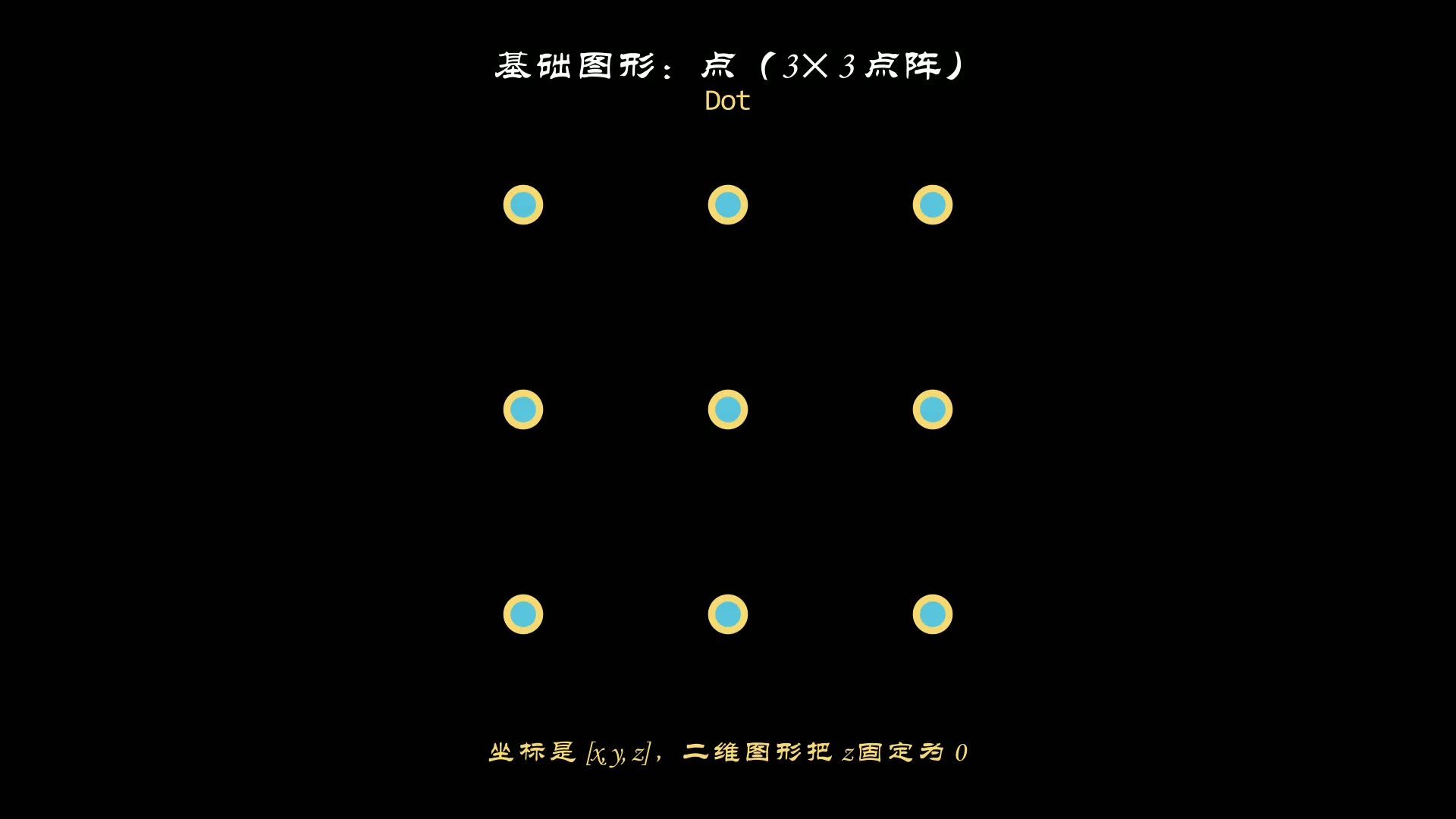
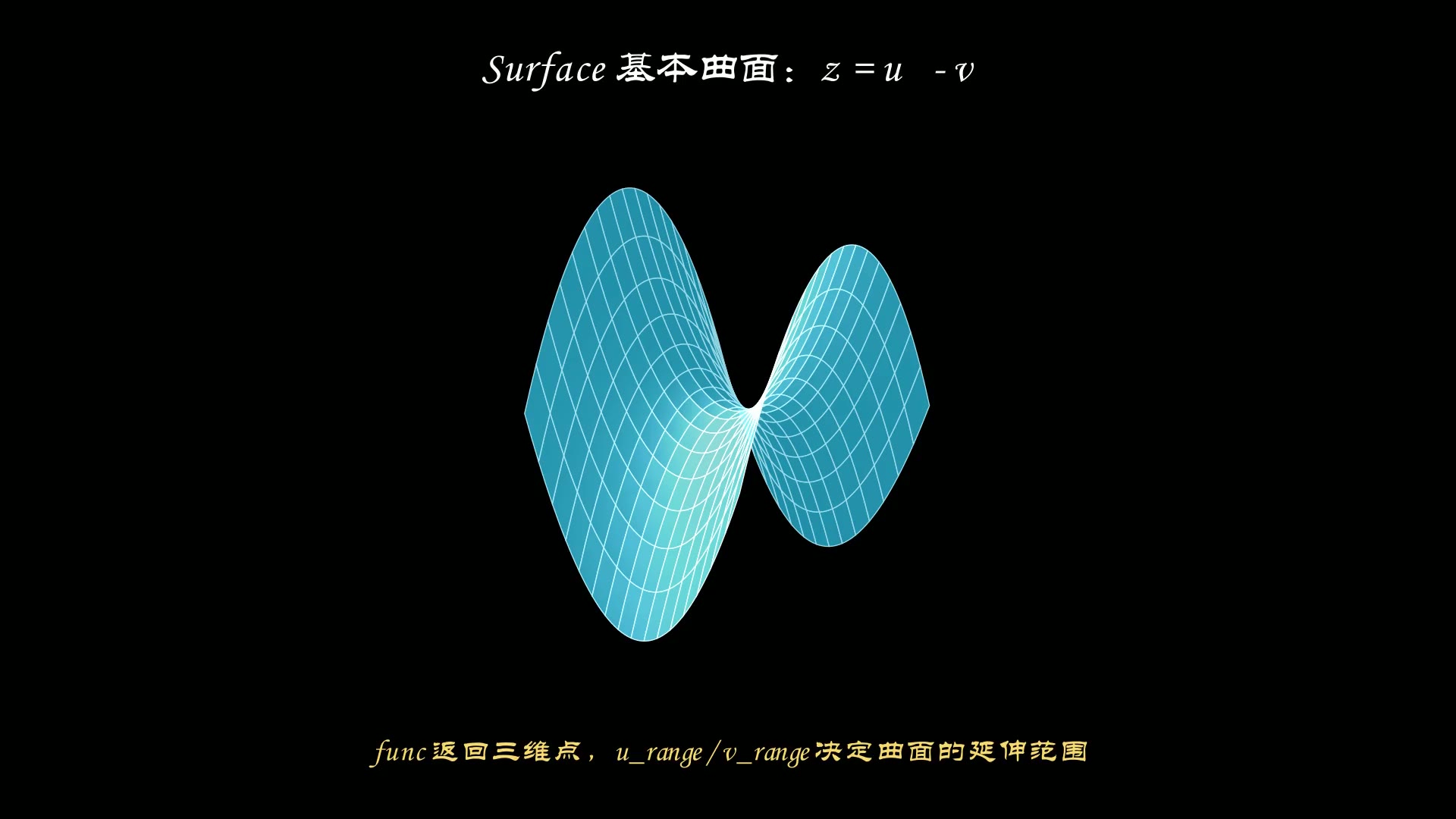
一个 Scene 从 construct() 开始,到最后一个 self.wait() 结束;中途每次 play() 都会推进时间轴。示例用「淡入 → 平移 → 淡出」走完一个对象在场景里的完整生命周期。
完整代码
1
2
3
4
5
6
7
8
9
10
11
12
| from manim import *
class SceneLifecycle(Scene):
def construct(self):
cap = Text("construct(): FadeIn -> shift -> FadeOut", font="Consolas",
font_size=30, color=BLUE).to_edge(UP, buff=0.6)
dot = Dot(color=YELLOW).scale(1.6)
self.play(FadeIn(cap), FadeIn(dot), run_time=0.8)
self.play(dot.animate.shift(RIGHT * 3), run_time=1.2)
self.wait(0.8)
self.play(dot.animate.shift(LEFT * 3), run_time=1.0)
self.play(FadeOut(dot), run_time=0.6)
self.wait(1.2)
|
演示视频
下载 Python 脚本
要点
construct() 是唯一必须实现的方法,动画顺序就是代码顺序FadeOut 之后对象被移出场景,再操作它不会显示self.wait() 不传参数默认停 1 秒,末尾留白能避免视频戛然而止
代码来源:Manim Community 官方教程 Tutorials / Manim’s building blocks,示例代码按 Manim CE 0.20.1 编写并实跑验证。

主观感受,仅供参考。本文采用 本文采用 CC BY-NC-SA 4.0 许可 协议,
完整转载请注明来自
数学动画引擎。