做数学动画视频的软件还是比较丰富的,但是个人观点最酷的还是Manim,这款数学视频制作软件的使用难度也是很大的,需要一定的编程知识,制作数学视频时,各类几何图形是使用最频繁的。一般来说,常用的几何图形包括:点,线,圆以及多边形。
1. 点
点是最简单图形,也是其他所有图形的基础。绘制其他任何图形时,都是用点来定位的。manim中生成一个点很方便,只要给定一个坐标即可。这里的坐标包含 [x, y, z]3个维度,如果绘制二维图形,将第三个坐标 z固定为 0。
1
2
3
4
5
6
7
8
9
10
11
12
13
14
15
16
| from manim import *
import numpy as np
def head(cn, en):
t = Text(cn, font="STLiti", font_size=28).to_edge(UP)
s = Text(en, font="Consolas", font_size=21, color=YELLOW).next_to(t, DOWN, buff=0.10)
return VGroup(t, s)
def foot(cn):
return Text(cn, font="STLiti", font_size=20, color=YELLOW).to_edge(DOWN)
class ShapeDemo(Scene):
def construct(self):
self.add(head("基础图形:点(3×3 点阵)", "Dot"))
shape = VGroup(*[Dot(np.array([x, y, 0]), color=BLUE, radius=0.16) for x in (-2, 0, 2) for y in (-2, 0, 2)])
self.play(Create(shape), run_time=2.2)
self.play(shape.animate.set_stroke(YELLOW, width=7), run_time=1.2)
self.play(FadeIn(foot("坐标是 [x, y, z],二维图形把 z 固定为 0")), run_time=0.4)
self.wait(2.2)
|
按照 3x3的格式绘制9个点
1
| manim -p .\samples.py DotSample
|
下载 Python 脚本
2.线
manim的线其实都是线段,绘制线只要提供两个点的坐标。
2.1 直线
提供任意2个点,manim通过 Line来绘制线。
1
2
3
4
5
6
7
8
9
10
11
12
13
14
15
16
| from manim import *
import numpy as np
def head(cn, en):
t = Text(cn, font="STLiti", font_size=28).to_edge(UP)
s = Text(en, font="Consolas", font_size=21, color=YELLOW).next_to(t, DOWN, buff=0.10)
return VGroup(t, s)
def foot(cn):
return Text(cn, font="STLiti", font_size=20, color=YELLOW).to_edge(DOWN)
class ShapeDemo(Scene):
def construct(self):
self.add(head("基础图形:直线", "Line"))
shape = Line(LEFT * 3 + DOWN, RIGHT * 3 + UP, color=BLUE).set_stroke(width=7)
self.play(Create(shape), run_time=2.2)
self.play(shape.animate.set_stroke(YELLOW, width=7), run_time=1.2)
self.play(FadeIn(foot("Line 只需起点和终点两个坐标")), run_time=0.4)
self.wait(2.2)
|
运行效果:
下载 Python 脚本
2.2 带箭头的线
绘制带箭头的线同样只要提供2个点。只是绘制的对象不用 Line,而是用 Arrow。
1
2
3
4
5
6
7
8
9
10
11
12
13
14
15
16
| from manim import *
import numpy as np
def head(cn, en):
t = Text(cn, font="STLiti", font_size=28).to_edge(UP)
s = Text(en, font="Consolas", font_size=21, color=YELLOW).next_to(t, DOWN, buff=0.10)
return VGroup(t, s)
def foot(cn):
return Text(cn, font="STLiti", font_size=20, color=YELLOW).to_edge(DOWN)
class ShapeDemo(Scene):
def construct(self):
self.add(head("基础图形:带箭头的线", "Arrow"))
shape = Arrow(LEFT * 3 + DOWN, RIGHT * 3 + UP, color=BLUE, buff=0)
self.play(Create(shape), run_time=2.2)
self.play(shape.animate.set_stroke(YELLOW, width=7), run_time=1.2)
self.play(FadeIn(foot("Arrow 在线段末端自动加上箭头")), run_time=0.4)
self.wait(2.2)
|
运行效果:
下载 Python 脚本
2.3 虚线
绘制虚线使用 DashedLine。
1
2
3
4
5
6
7
8
9
10
11
12
13
14
15
16
| from manim import *
import numpy as np
def head(cn, en):
t = Text(cn, font="STLiti", font_size=28).to_edge(UP)
s = Text(en, font="Consolas", font_size=21, color=YELLOW).next_to(t, DOWN, buff=0.10)
return VGroup(t, s)
def foot(cn):
return Text(cn, font="STLiti", font_size=20, color=YELLOW).to_edge(DOWN)
class ShapeDemo(Scene):
def construct(self):
self.add(head("基础图形:虚线", "DashedLine"))
shape = DashedLine(LEFT * 3, RIGHT * 3, color=BLUE).set_stroke(width=6)
self.play(Create(shape), run_time=2.2)
self.play(shape.animate.set_stroke(YELLOW, width=7), run_time=1.2)
self.play(FadeIn(foot("DashedLine 把同一条线段拆成等距短划")), run_time=0.4)
self.wait(2.2)
|
运行效果:
下载 Python 脚本
3. 圆
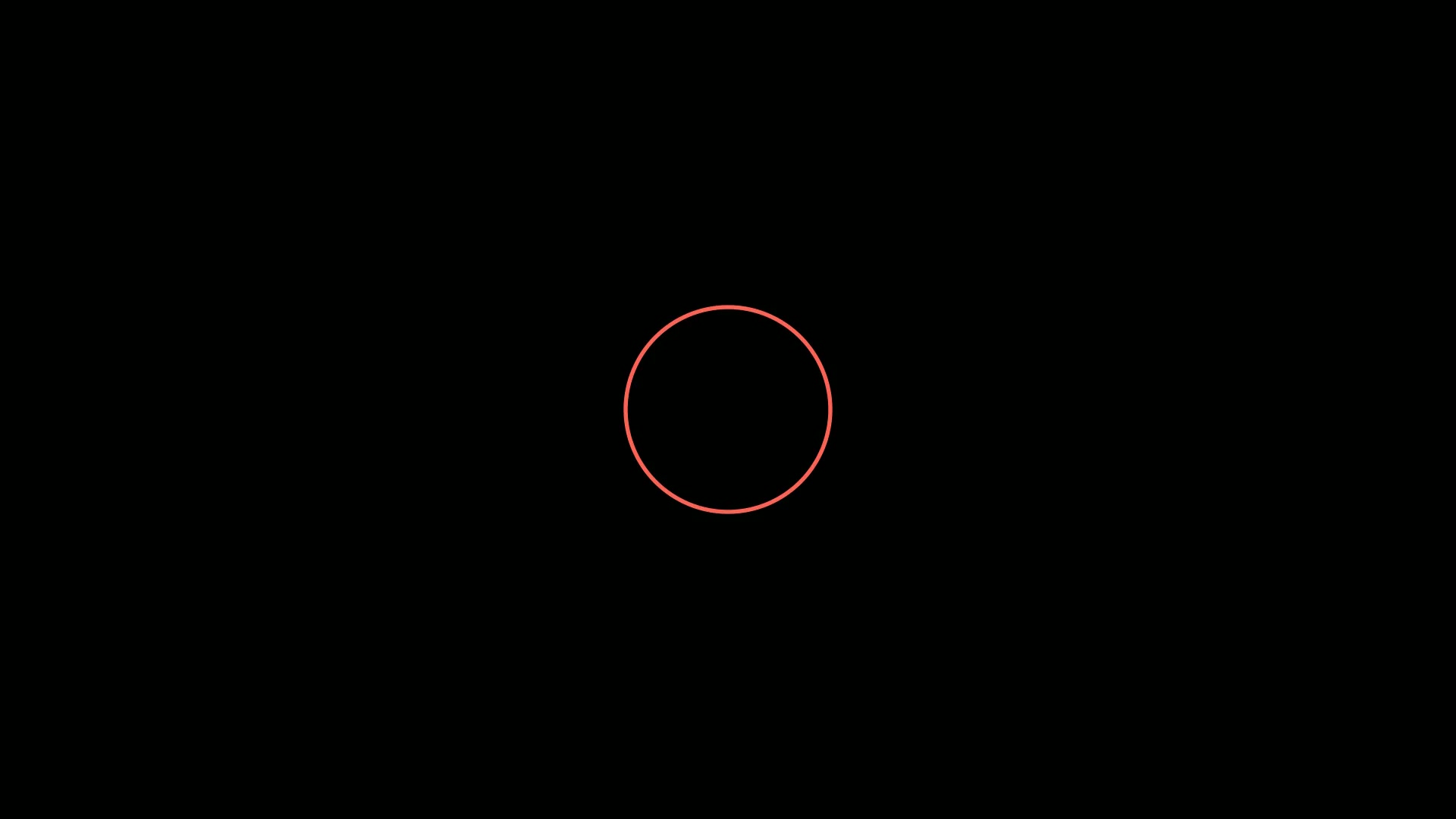
绘制圆只要提供半径即可,圆心默认在屏幕的中心。绘制圆使用 Circle。
1
2
3
4
5
6
7
8
9
10
11
12
13
14
15
16
| from manim import *
import numpy as np
def head(cn, en):
t = Text(cn, font="STLiti", font_size=28).to_edge(UP)
s = Text(en, font="Consolas", font_size=21, color=YELLOW).next_to(t, DOWN, buff=0.10)
return VGroup(t, s)
def foot(cn):
return Text(cn, font="STLiti", font_size=20, color=YELLOW).to_edge(DOWN)
class ShapeDemo(Scene):
def construct(self):
self.add(head("基础图形:圆", "Circle"))
shape = Circle(radius=2, color=BLUE).set_stroke(width=7)
self.play(Create(shape), run_time=2.2)
self.play(shape.animate.set_stroke(YELLOW, width=7), run_time=1.2)
self.play(FadeIn(foot("Circle 只需半径,圆心默认在原点")), run_time=0.4)
self.wait(2.2)
|
运行效果:
下载 Python 脚本
3.1 椭圆
manim也支持绘制椭圆,使用 Ellipse。绘制椭圆的两个参数 width和 height分别控制椭圆最大宽度和最大高度。
1
2
3
4
5
6
7
8
9
10
11
12
13
14
15
16
| from manim import *
import numpy as np
def head(cn, en):
t = Text(cn, font="STLiti", font_size=28).to_edge(UP)
s = Text(en, font="Consolas", font_size=21, color=YELLOW).next_to(t, DOWN, buff=0.10)
return VGroup(t, s)
def foot(cn):
return Text(cn, font="STLiti", font_size=20, color=YELLOW).to_edge(DOWN)
class ShapeDemo(Scene):
def construct(self):
self.add(head("基础图形:椭圆", "Ellipse"))
shape = Ellipse(width=5, height=3, color=BLUE).set_stroke(width=7)
self.play(Create(shape), run_time=2.2)
self.play(shape.animate.set_stroke(YELLOW, width=7), run_time=1.2)
self.play(FadeIn(foot("width 与 height 分别控制最大宽高")), run_time=0.4)
self.wait(2.2)
|
运行效果:
下载 Python 脚本
3.2 圆弧
manim中绘制圆弧主要有三个参数:
- angle:圆弧的弧度
- start_angle: 开始的角度,默认 0
- radius:圆弧的半径
1
2
3
4
5
6
7
8
9
10
11
12
13
14
15
16
| from manim import *
import numpy as np
def head(cn, en):
t = Text(cn, font="STLiti", font_size=28).to_edge(UP)
s = Text(en, font="Consolas", font_size=21, color=YELLOW).next_to(t, DOWN, buff=0.10)
return VGroup(t, s)
def foot(cn):
return Text(cn, font="STLiti", font_size=20, color=YELLOW).to_edge(DOWN)
class ShapeDemo(Scene):
def construct(self):
self.add(head("基础图形:圆弧", "Arc"))
shape = Arc(radius=2, start_angle=PI / 4, angle=3 * PI / 2, color=BLUE).set_stroke(width=7)
self.play(Create(shape), run_time=2.2)
self.play(shape.animate.set_stroke(YELLOW, width=7), run_time=1.2)
self.play(FadeIn(foot("angle 决定弧长,start_angle 决定起始方向")), run_time=0.4)
self.wait(2.2)
|
运行效果:
下载 Python 脚本
4. 多边形
如果制作几何相关的数学视频,那么多边形绝对是使用最多的。manim对多边形的支持非常完善,常用的主要以下几种:
4.1 等边三角形
manim中专门有绘制等边三角形的对象 Triangle。
1
2
3
4
5
6
7
8
9
10
11
12
13
14
15
16
| from manim import *
import numpy as np
def head(cn, en):
t = Text(cn, font="STLiti", font_size=28).to_edge(UP)
s = Text(en, font="Consolas", font_size=21, color=YELLOW).next_to(t, DOWN, buff=0.10)
return VGroup(t, s)
def foot(cn):
return Text(cn, font="STLiti", font_size=20, color=YELLOW).to_edge(DOWN)
class ShapeDemo(Scene):
def construct(self):
self.add(head("基础图形:等边三角形", "Triangle"))
shape = Triangle(color=BLUE).scale(1.8).set_stroke(width=7)
self.play(Create(shape), run_time=2.2)
self.play(shape.animate.set_stroke(YELLOW, width=7), run_time=1.2)
self.play(FadeIn(foot("Triangle 直接给出等边三角形,无需自己算顶点")), run_time=0.4)
self.wait(2.2)
|
运行效果:
下载 Python 脚本
4.2 四边形
四边形比三角形应用的更广,所以 manim也提供了更多绘制四边形的方法。
4.2.1 正方形
绘制正方形主要有一个参数,就是 side_length(正方形的边长)。
1
2
3
4
5
6
7
8
9
10
11
12
13
14
15
16
| from manim import *
import numpy as np
def head(cn, en):
t = Text(cn, font="STLiti", font_size=28).to_edge(UP)
s = Text(en, font="Consolas", font_size=21, color=YELLOW).next_to(t, DOWN, buff=0.10)
return VGroup(t, s)
def foot(cn):
return Text(cn, font="STLiti", font_size=20, color=YELLOW).to_edge(DOWN)
class ShapeDemo(Scene):
def construct(self):
self.add(head("基础图形:正方形", "Square"))
shape = Square(side_length=3.4, color=BLUE).set_stroke(width=7)
self.play(Create(shape), run_time=2.2)
self.play(shape.animate.set_stroke(YELLOW, width=7), run_time=1.2)
self.play(FadeIn(foot("side_length 是唯一需要给的边长参数")), run_time=0.4)
self.wait(2.2)
|
运行效果:
下载 Python 脚本
4.2.2 矩形
绘制矩形有两个主要的参数,分别代表矩形的高 height和宽 width。
1
2
3
4
5
6
7
8
9
10
11
12
13
14
15
16
| from manim import *
import numpy as np
def head(cn, en):
t = Text(cn, font="STLiti", font_size=28).to_edge(UP)
s = Text(en, font="Consolas", font_size=21, color=YELLOW).next_to(t, DOWN, buff=0.10)
return VGroup(t, s)
def foot(cn):
return Text(cn, font="STLiti", font_size=20, color=YELLOW).to_edge(DOWN)
class ShapeDemo(Scene):
def construct(self):
self.add(head("基础图形:矩形", "Rectangle"))
shape = Rectangle(width=5, height=3, color=BLUE).set_stroke(width=7)
self.play(Create(shape), run_time=2.2)
self.play(shape.animate.set_stroke(YELLOW, width=7), run_time=1.2)
self.play(FadeIn(foot("width 与 height 可分别设置,得到非等边四边形")), run_time=0.4)
self.wait(2.2)
|
运行效果:
下载 Python 脚本
4.2.3 圆角矩形
圆角矩形和矩形相比,多了一个参数corner_radius用来控制矩形四个角的弧度半径,也就是控制矩形四个角的圆滑程度。
1
2
3
4
5
6
7
8
9
10
11
12
13
14
15
16
| from manim import *
import numpy as np
def head(cn, en):
t = Text(cn, font="STLiti", font_size=28).to_edge(UP)
s = Text(en, font="Consolas", font_size=21, color=YELLOW).next_to(t, DOWN, buff=0.10)
return VGroup(t, s)
def foot(cn):
return Text(cn, font="STLiti", font_size=20, color=YELLOW).to_edge(DOWN)
class ShapeDemo(Scene):
def construct(self):
self.add(head("基础图形:圆角矩形", "RoundedRectangle"))
shape = RoundedRectangle(width=5, height=3, corner_radius=0.55, color=BLUE).set_stroke(width=7)
self.play(Create(shape), run_time=2.2)
self.play(shape.animate.set_stroke(YELLOW, width=7), run_time=1.2)
self.play(FadeIn(foot("corner_radius 控制四角的圆滑程度")), run_time=0.4)
self.wait(2.2)
|
运行效果:
下载 Python 脚本
4.3 任意多边形
除了三角形和四边形,manim还提供了一个通用的Polygon对象,它会依次连接传入的坐标点列表,绘制任意多边形。
1
2
3
4
5
6
7
8
9
10
11
12
13
14
15
16
| from manim import *
import numpy as np
def head(cn, en):
t = Text(cn, font="STLiti", font_size=28).to_edge(UP)
s = Text(en, font="Consolas", font_size=21, color=YELLOW).next_to(t, DOWN, buff=0.10)
return VGroup(t, s)
def foot(cn):
return Text(cn, font="STLiti", font_size=20, color=YELLOW).to_edge(DOWN)
class ShapeDemo(Scene):
def construct(self):
self.add(head("基础图形:任意多边形", "Polygon"))
shape = Polygon([-3, -2, 0], [2, -2, 0], [3, 1, 0], [0, 2.5, 0], [-2, 1.5, 0], color=BLUE).set_stroke(width=7)
self.play(Create(shape), run_time=2.2)
self.play(shape.animate.set_stroke(YELLOW, width=7), run_time=1.2)
self.play(FadeIn(foot("Polygon 按传入顺序依次连接所有顶点")), run_time=0.4)
self.wait(2.2)
|
运行效果:
下载 Python 脚本
4.4 正多边形
虽然 manim提供了绘制任意多边形的对象 Polygon,利用Polygon绘制正多边形理论上是完全可行的。不过,要自己去计算各个正多边形的坐标点显然有些费时费力,所以,manim中还提供了一个专门用来绘制正多边形的对象 RegularPolygon.
1
2
3
4
5
6
7
8
9
10
11
12
13
14
| from manim import *
class PolygonSample(Scene):
def construct(self):
self._reguler_polygons()
self.wait()
def _reguler_polygons(self):
p1 = RegularPolygon(n=6)
p2 = RegularPolygon(n=8)
p3 = RegularPolygon(n=10)
vg = VGroup(p1, p2, p3)
vg.arrange(RIGHT, buff=SMALL_BUFF)
self.play(Create(vg))
|
运行效果:
总结回顾
本篇主要介绍了平面几何中,使用 manim绘制各种基本图形的方法。
- 只要提供点坐标就能绘制的图形有:点,线(直线,虚线,箭头线),还有任意多边形。
- 需要提供角度或者半径信息的图形有:圆,椭圆,圆弧,圆角矩形
- 提供边长信息的图形有:正方形,矩形
- 最后,还有一个特殊的专门用来绘制正多边形的对象

主观感受,仅供参考。本文采用 本文采用 CC BY-NC-SA 4.0 许可 协议,
完整转载请注明来自
数学动画引擎。