Tex类继承自MathTex,具体功能和MathTex差不多,有一些细节的差别。
在实际的使用中,我感觉Tex在结合一般文本和公式时更方便一些,所以我用的比较多的是Tex。
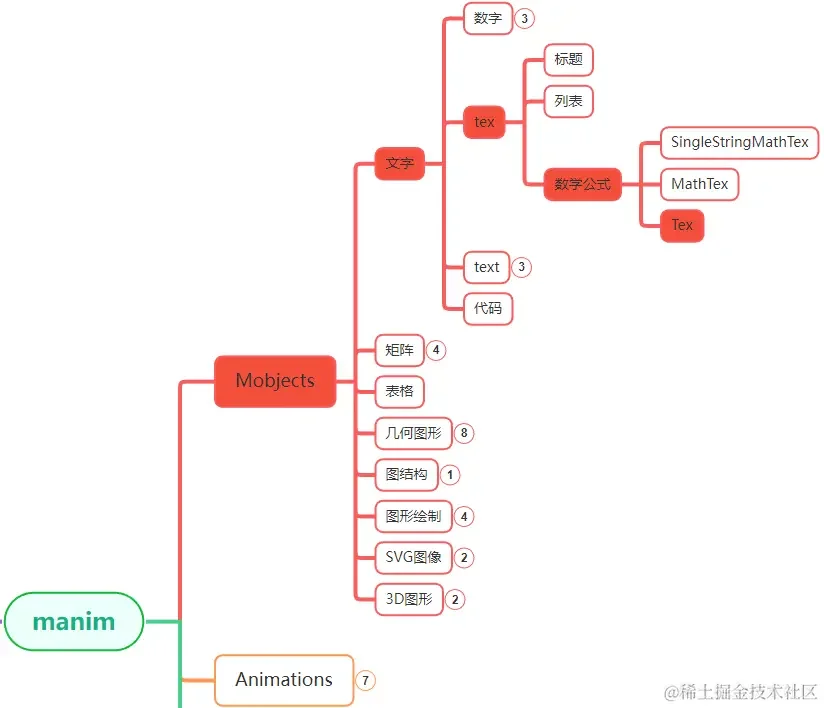
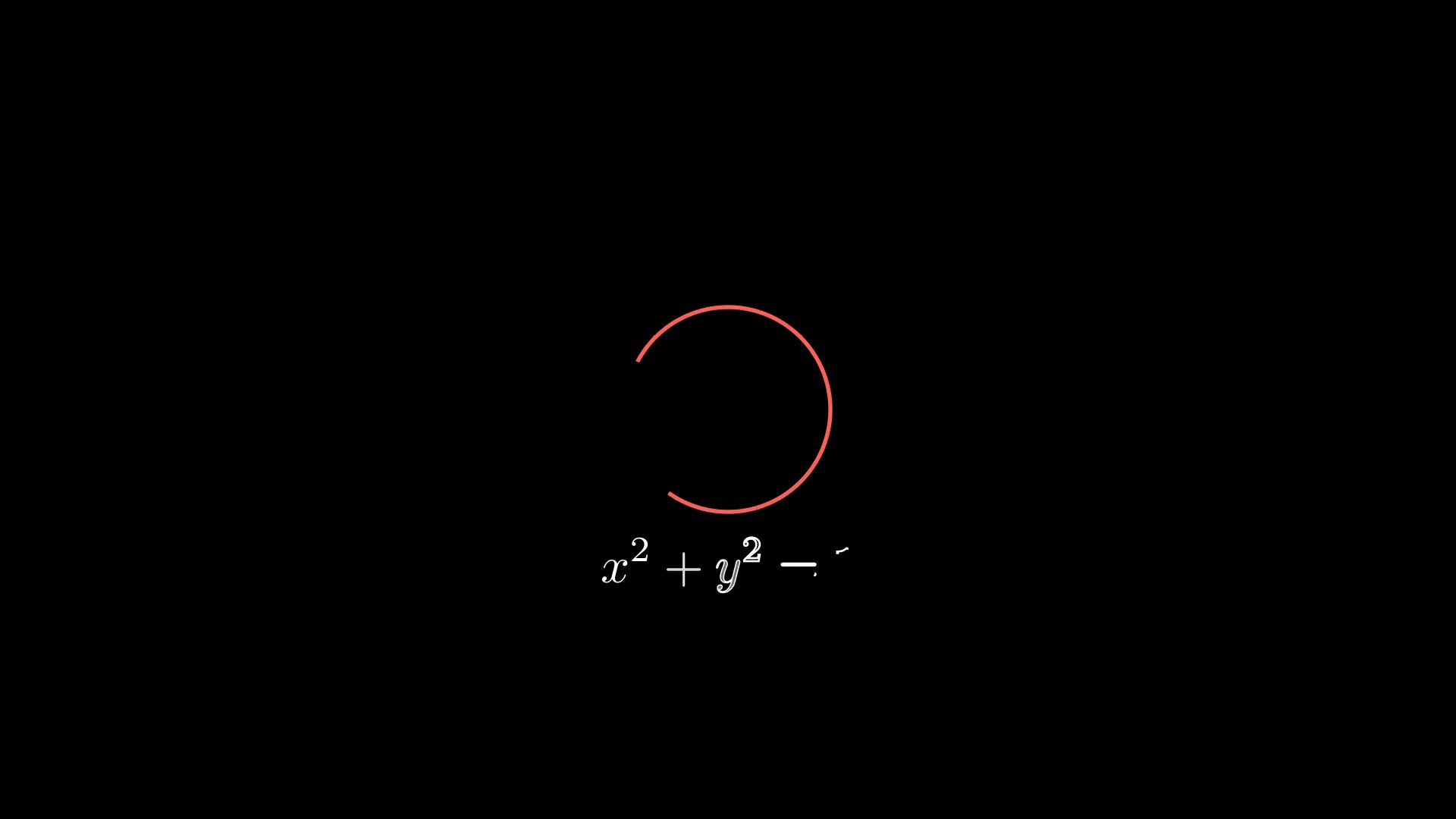
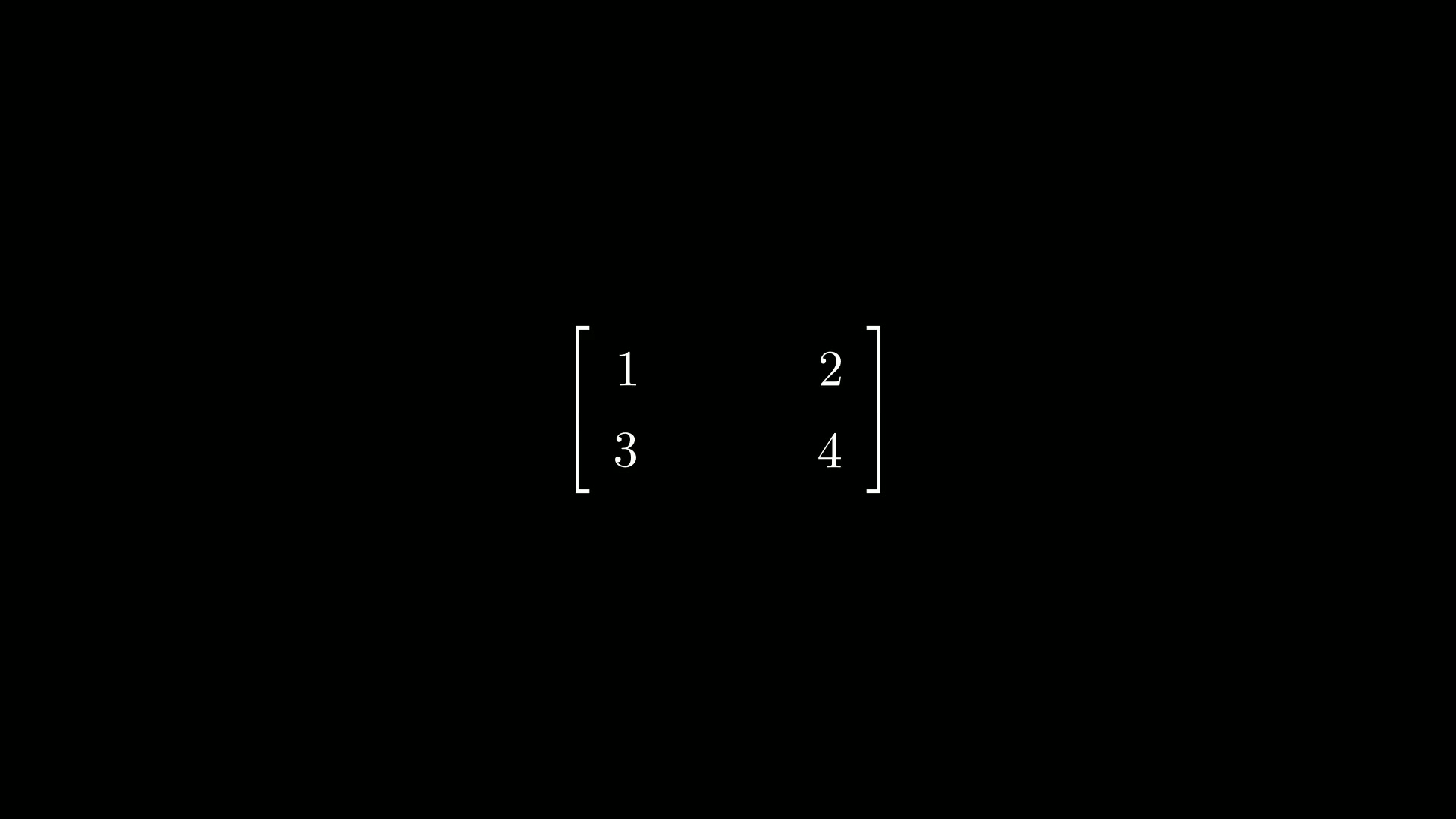
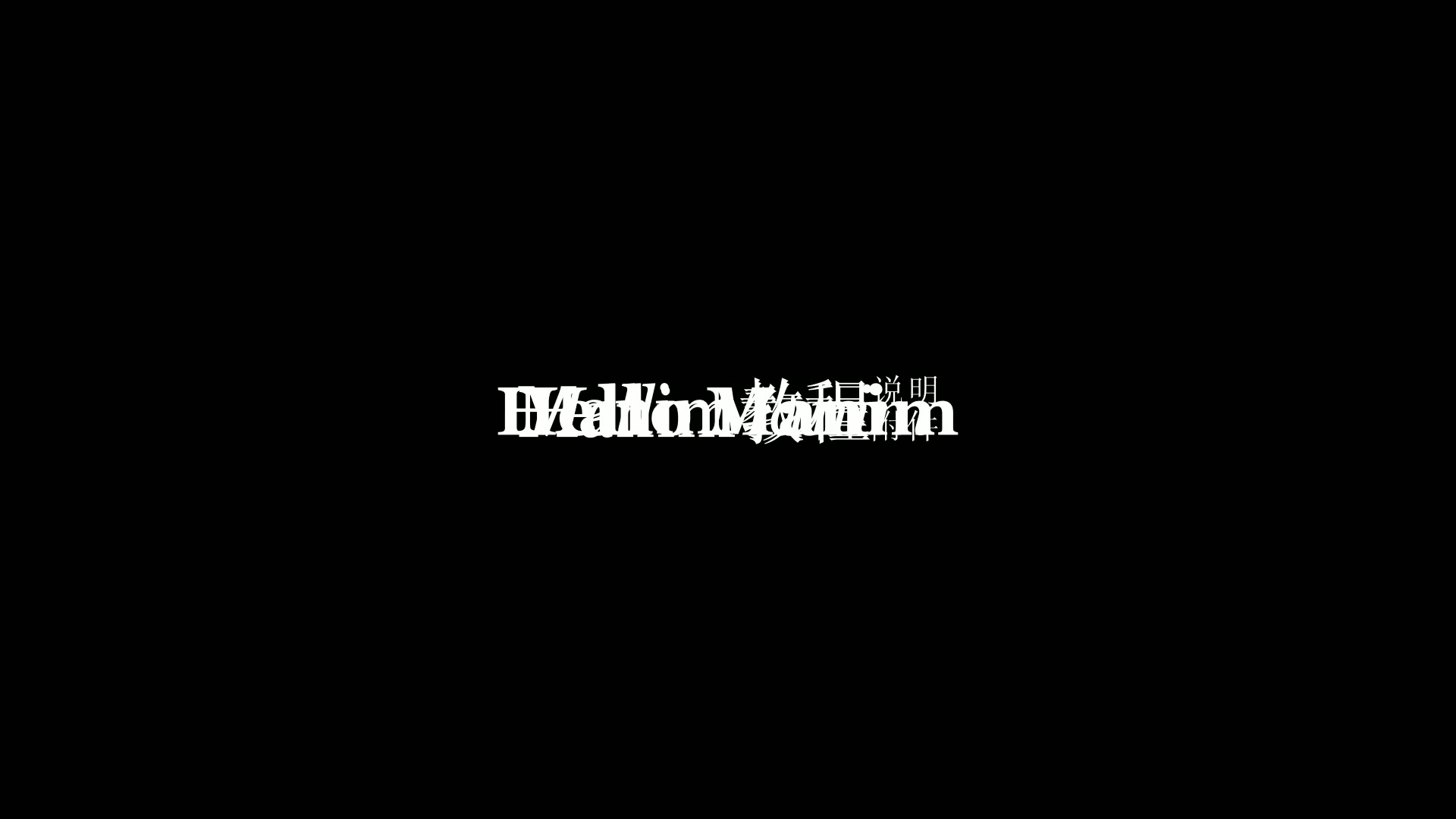
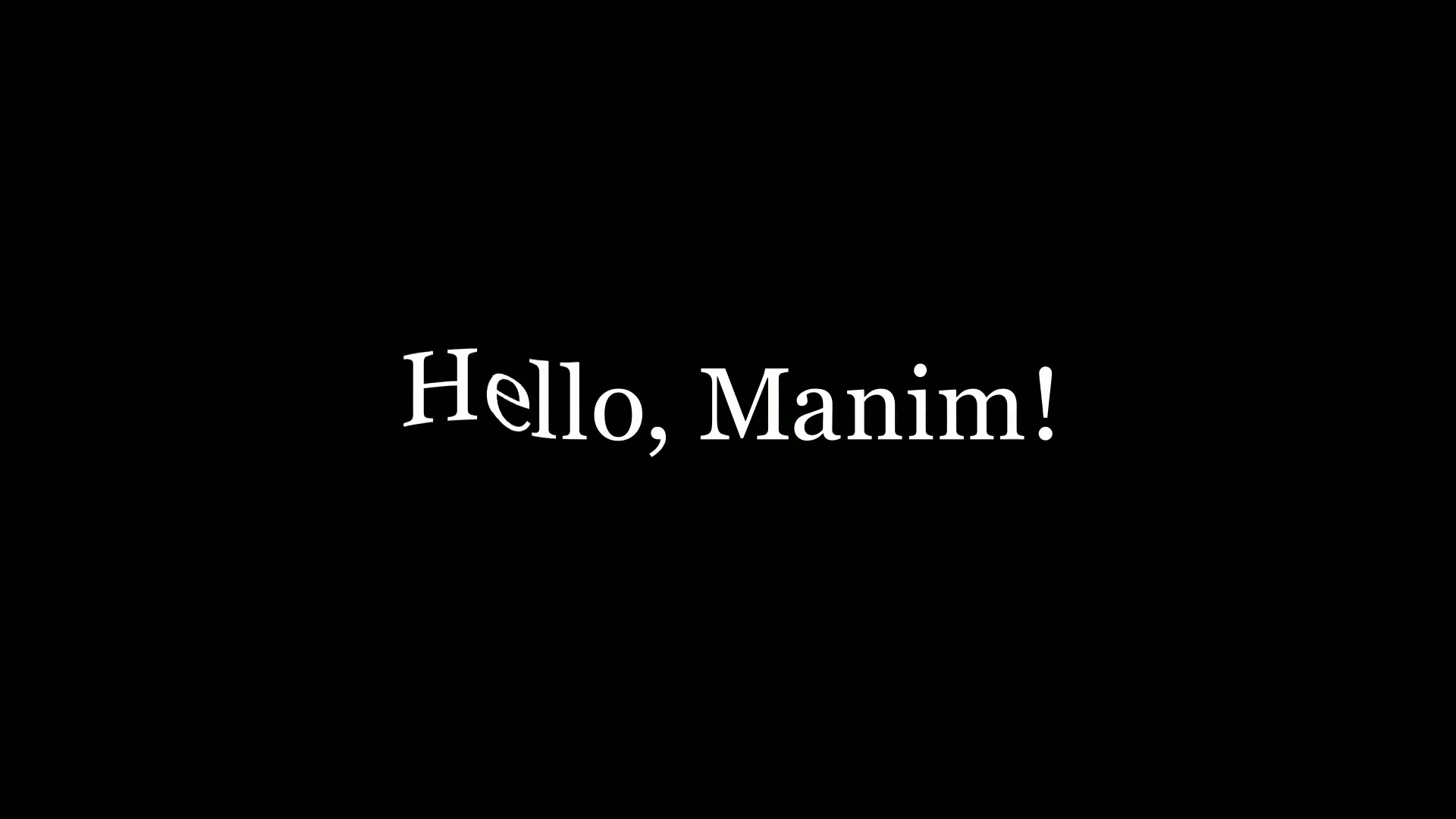
Tex在manim各个模块中的位置大致如上图中所示。
1. Tex与MathTex区别
Tex的主要参数和方法和MathTex是一样的,所以本篇就不再一一介绍了,可以参考上一篇:
manim边学边做–MathTex。
本篇打算介绍下这两者之间细微的区别。
1.1. 公式的写法
首先,创建公式时,MathTex只要直接输入公式即可,而Tex需要用$$包裹住公式部分。
1
2
3
4
5
6
7
8
9
10
11
12
13
14
15
16
| from manim import *
import numpy as np
from numpy import array, pi, cos, sin
run_time = 1
data = [[1, 2], [3, 4]]
def dot(pos, **kwargs):
return Dot(pos, **kwargs)
class N010_01(Scene):
def construct(self):
sc = self
mathtex = MathTex('z=\\sqrt{x^2+y^2}')
tex = MathTex('z=\\sqrt{x^2+y^2}')
self.play(FadeIn(tex), run_time=1.0)
self.wait(1)
self.wait(0.5)
self.wait(3.10)
|
下载 Python 脚本
对于Tex,如果不用$$包裹住公式部分,则无法正常显示公式。
上面两种写法的效果是一样的。
1.2. 一般文本与公式
Tex的公式为什么要多此一举,需要加上$$呢?
原因在于Tex区分一般文本和公式的显示方式,不加$$时,则当作一般文本来显示,
显示出来的效果会有一些区别。
而MathTex则不区分一般文本和公式,任何字符串都当作公式来显示。
1
2
3
4
5
6
7
8
9
10
11
12
13
14
15
16
17
18
| from manim import *
import numpy as np
from numpy import array, pi, cos, sin
run_time = 1
data = [[1, 2], [3, 4]]
def dot(pos, **kwargs):
return Dot(pos, **kwargs)
class N010_02(Scene):
def construct(self):
sc = self
tex1 = MathTex('z=x+y')
tex2 = MathTex('z=x+y')
mathtex = MathTex('z=x+y')
mathtex = MathTex('z=x+y')
self.play(FadeIn(mathtex), run_time=1.0)
self.wait(1)
self.wait(0.5)
self.wait(3.10)
|
下载 Python 脚本
从上面示例中可以体会到一般文本和公式在显示上的细微区别。
2. 附件

主观感受,仅供参考。本文采用 本文采用 CC BY-NC-SA 4.0 许可 协议,
完整转载请注明来自
数学动画引擎。