今天,我们将介绍 Manim 中两个用于交替变换的动画类:CyclicReplace 和 Swap。
无论是在展示数学概念的动态变化,还是在图形设计中呈现元素的巧妙交互,这两个动画类都扮演着重要角色。
它们以各自独特的方式,为我们提供了丰富的创意表达空间。
CyclicReplace:循环替换一组对象的位置Swap:交换两个特定对象的位置
1. 动画概述
1.1. CyclicReplace
当你需要循环替换一组对象的位置时,CyclicReplace 是一个非常有用的动画类。
例如,有一组按顺序排列的元素,并且想要给人一种元素依次循环移动位置的视觉效果,类似于一个循环队列的元素循环操作,那么使用 CyclicReplace 可以很好地实现这一效果。
它可以用于展示元素之间的循环依赖关系,或者周期性的位置调整,给人一种周期性变化的直观感受。
CyclicReplace 的特点是将一组 Mobject按照某种循环顺序进行位置交换。
比如,对于一组元素 [A, B, C, D],它可能会将 A 的位置替换为 B 的位置,B 的位置替换为 C 的位置,以此类推,最后将 D 的位置替换为 A 的位置。
它的参数主要有:
| 参数名称 |
类型 |
说明 |
| mobjects |
[Mobject] |
要进行变换的 mobject 列表 |
| path_arc |
float |
mobjects 到达目标位置所遵循的弧的角度 |
1.2. Swap
Swap 动画类适用于需要交换两个特定对象位置的场景。
当你有两个对象,你想清晰地展示它们位置的互换时,使用 Swap 动画可以实现直接交换位置的效果。
常见的应用场景包括交换等式中的两个元素,交换图表中的两个数据点或交换布局中的两个元素,以强调它们的等价性或某种关联关系。
也可以用于对比前后两个对象位置不同但功能或属性相同的情况,通过交换位置来突出它们的互换性。
与 CyclicReplace 不同,Swap 主要针对两个对象进行操作。
它将精确地交换这两个对象的位置,使它们在动画结束时位置互换。
它的参数主要有:
| 参数名称 |
类型 |
说明 |
| mobjects |
[Mobject] |
参与交换的 Mobject |
| path_arc |
float |
象在交换过程中所遵循的弧的角度 |
2. 使用示例
下面通过示例来演示在哪些场景下可以使用上面的两个动画类。
2.1. 元素的循环移动
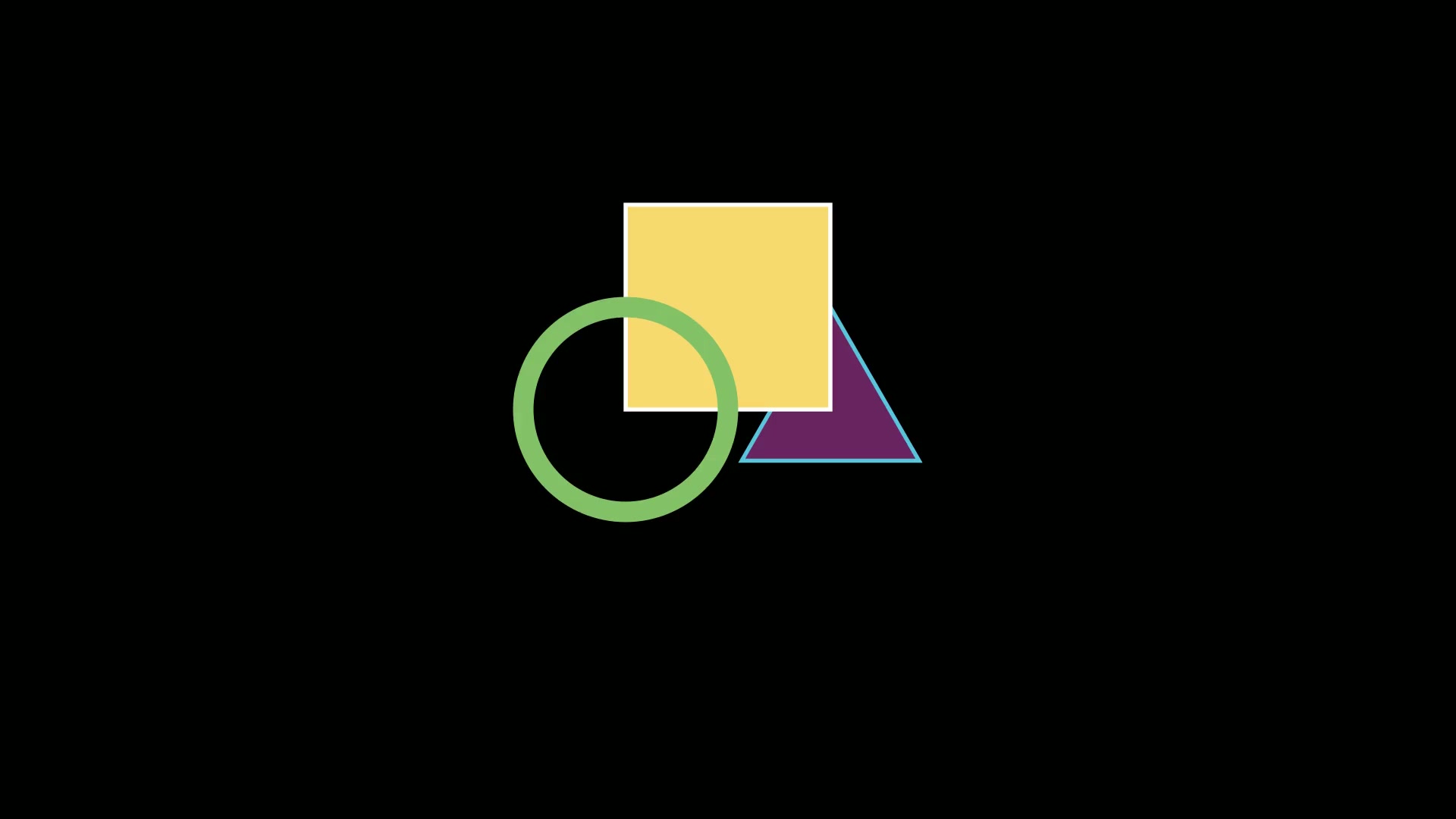
这个示例展示了三个不同形状(圆形、正方形和三角形)的循环位置替换,直观地体现了 CyclicReplace 如何循环移动一组对象。
1
2
3
4
5
6
7
8
9
10
11
12
13
14
15
16
17
18
19
20
21
| from manim import *
import numpy as np
from numpy import array, pi, cos, sin
run_time = 1
data = [[1, 2], [3, 4]]
def dot(pos, **kwargs):
return Dot(pos, **kwargs)
class N122_01(Scene):
def construct(self):
sc = self
circle = Circle()
square = Square()
triangle = Triangle()
shapes = VGroup(circle, square, triangle)
shapes.arrange(RIGHT)
self.play(*[FadeIn(_o) for _o in [shapes]], run_time=1.0)
self.play(CyclicReplace(*shapes))
self.play(CyclicReplace(*shapes))
self.play(CyclicReplace(*shapes))
self.wait(0.5)
self.wait(1.10)
|
下载 Python 脚本
2.2. 模拟循环队列的元素移动
这个示例模拟了一个简单的循环队列,数字 1 到 5 按顺序排列,通过 CyclicReplace 动画展示了它们像在循环队列中一样循环移动位置。
1
2
3
4
5
6
7
8
9
10
11
12
13
14
15
16
17
18
19
| from manim import *
import numpy as np
from numpy import array, pi, cos, sin
run_time = 1
data = [[1, 2], [3, 4]]
def dot(pos, **kwargs):
return Dot(pos, **kwargs)
class N122_02(Scene):
def construct(self):
sc = self
numbers = [Text(str(i)) for i in range(1, 6)]
number_group = VGroup(*numbers).arrange(RIGHT)
self.play(*[FadeIn(_o) for _o in [number_group]], run_time=1.0)
self.play(CyclicReplace(*number_group))
self.play(CyclicReplace(*number_group))
self.play(CyclicReplace(*number_group))
self.play(CyclicReplace(*number_group))
self.play(CyclicReplace(*number_group))
self.wait(0.5)
|
下载 Python 脚本
2.3. 交换等式两边的元素
在数学等式的场景中,先展示一个简单的等式 x + 5 = 10,然后使用 Swap 交换等式中的元素。
1
2
3
4
5
6
7
8
9
10
11
12
13
14
15
16
17
18
19
20
21
22
23
24
25
26
27
28
29
30
31
32
33
34
35
36
| from manim import *
import numpy as np
from numpy import array, pi, cos, sin
run_time = 1
data = [[1, 2], [3, 4]]
def dot(pos, **kwargs):
return Dot(pos, **kwargs)
class M122_03(Scene):
def construct(self):
sc = self
circle = Circle()
square = Square()
triangle = Triangle()
shapes = VGroup(circle, square, triangle)
shapes.arrange(RIGHT)
self.play(*[FadeIn(_o) for _o in [shapes]], run_time=1.0)
self.play(CyclicReplace(*shapes))
self.play(CyclicReplace(*shapes))
self.play(CyclicReplace(*shapes))
numbers = [Text(str(i)) for i in range(1, 6)]
number_group = VGroup(*numbers).arrange(RIGHT)
self.play(*[FadeIn(_o) for _o in [number_group]], run_time=1.0)
self.play(CyclicReplace(*number_group))
self.play(CyclicReplace(*number_group))
self.play(CyclicReplace(*number_group))
self.play(CyclicReplace(*number_group))
self.play(CyclicReplace(*number_group))
eq = MathTex('x + 5 = \\quad 10')
eq[0][0].set_color(GREEN)
eq[0][2].set_color(BLUE)
eq[0][4:6].set_color(RED)
self.play(*[FadeIn(_o) for _o in [eq]], run_time=1.0)
self.play(Swap(eq[0][0], eq[0][2]))
self.wait()
self.play(Swap(eq[0][0:3], eq[0][4:6]))
self.wait(0.5)
|
下载 Python 脚本
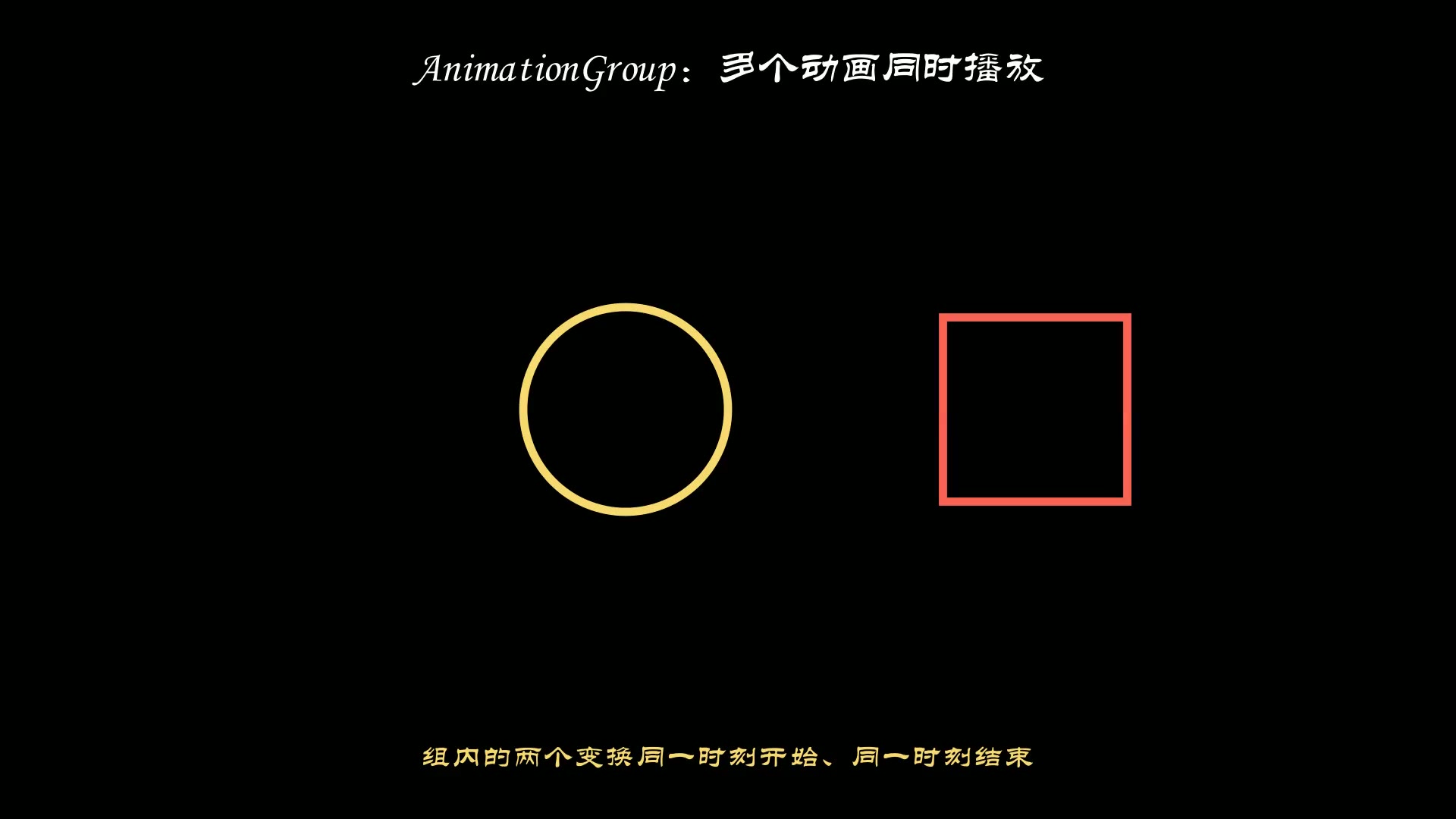
2.4. 对称交换两个图形的位置
这个示例通过交换左右两个不同图形(圆形和正方形)的位置,展示了 Swap 在图形布局中用于突出对称关系或位置交换的效果。
1
2
3
4
5
6
7
8
9
10
11
12
13
14
15
16
17
| from manim import *
import numpy as np
from numpy import array, pi, cos, sin
run_time = 1
data = [[1, 2], [3, 4]]
def dot(pos, **kwargs):
return Dot(pos, **kwargs)
class N122_04(Scene):
def construct(self):
sc = self
left_circle = Circle().shift(LEFT)
right_square = Square().shift(RIGHT)
self.play(*[FadeIn(_o) for _o in [left_circle, right_square]], run_time=1.0)
self.wait(0.5)
self.play(Swap(left_circle, right_square))
self.wait(0.5)
self.wait(2.60)
|
下载 Python 脚本
3. 附件

主观感受,仅供参考。本文采用 本文采用 CC BY-NC-SA 4.0 许可 协议,
完整转载请注明来自
数学动画引擎。