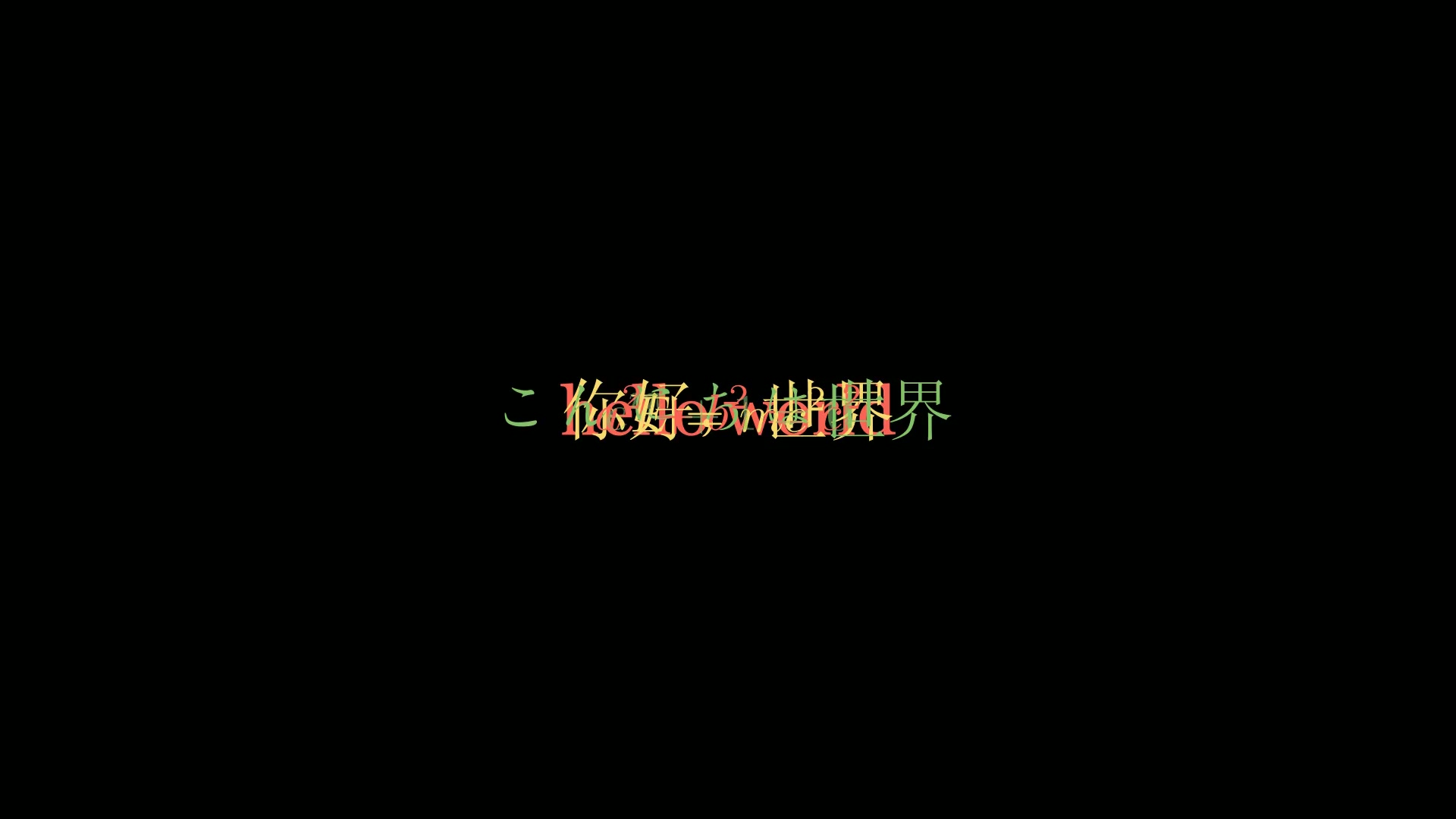
文本的样式主要指颜色 和字体 相关的属性设置。
对于manim的两个文本对象 Text和 Tex来说,Text对象有更多的属性可以调整样式,相对来说,由于 Tex主要用来显示数学公式,所以关于样式的属性要少一些。
下面介绍一些我在视频制作时最常用的一些颜色和字体相关的属性。
1. 颜色相关 颜色设置主要分为单色,渐变色两种,对于 Text对象,manim还提供了更加精细的按字符设置的属性。
1.1 单色 单色设置通过 color属性。
1
2
3
4
5
6
7
8
9
10
11
12
13
14
15
16
17
from manim import *import numpy as npfrom numpy import array, pi, cos, sinrun_time = 1 data = [[1 , 2 ], [3 , 4 ]] def dot (pos, **kwargs ): return Dot(pos, **kwargs) class Z0029 (Scene ): def construct (self ): sc = self self .play(*[FadeIn(_o) for _o in [Text('hello world' , color=RED)]], run_time=1.0 ) self .play(*[FadeIn(_o) for _o in [Text('你好,世界' , color=YELLOW)]], run_time=1.0 ) self .play(*[FadeIn(_o) for _o in [Text('こんにちは世界' , color=GREEN)]], run_time=1.0 ) self .play(*[FadeIn(_o) for _o in [MathTex('a^2 + b^2 = c^2' , color=RED)]], run_time=1.0 ) self .play(*[FadeIn(_o) for _o in [MathTex('E = mc^2' , color=YELLOW)]], run_time=1.0 ) self .play(*[FadeIn(_o) for _o in [MathTex('e^{i\\pi} + 1 = 0' , color=GREEN)]], run_time=1.0 ) self .wait(0.5 )
下载 Python 脚本
运行效果:
1.2 渐变色 渐变色设置通过 set_color_by_gradient方法。
1
2
3
4
5
6
7
8
9
10
11
12
13
14
15
16
17
18
19
20
21
from manim import *FONT = "STLiti" class Demo (Scene ): def construct (self ): head = Text("文本渐变着色" , font=FONT, font_size=36 , color=YELLOW).to_edge(UP, buff=0.5 ) bar = Line(LEFT * 6.6 , RIGHT * 6.6 , color=BLUE).next_to(head, DOWN, buff=0.12 ) self .play(FadeIn(head), Create(bar), run_time=0.6 ) texts = VGroup( Text("hello world" ).set_color_by_gradient((RED, GREEN)), Text("你好,世界" ).set_color_by_gradient((YELLOW, BLUE)), Text("渐变色文本" ).set_color_by_gradient((BLUE, RED)), ).arrange(DOWN, buff=0.55 ) forms = VGroup( MathTex(r"a^2 + b^2 = c^2" ).set_color_by_gradient((RED, GREEN)), MathTex(r"E = mc^2" ).set_color_by_gradient((YELLOW, BLUE)), MathTex(r"e^{i\pi} + 1 = 0" ).set_color_by_gradient((BLUE, RED)), ).arrange(DOWN, buff=0.55 ) Group(texts, forms).arrange(RIGHT, buff=2.0 ).shift(DOWN * 0.5 ) for i in range (3 ): self .play(FadeIn(texts[i]), FadeIn(forms[i]), run_time=0.6 ) self .wait(3.2 )
下载 Python 脚本
运行效果:
1.3 按字符设置 如果一段文本中需要突出某些字符,可以用 t2c属性来设置特定字符的颜色。
1
2
from manim import *Text("databook.top" , t2c={"data" : BLUE, "book" : RED, "top" : GREEN})
下载 Python 脚本
对于 Tex对象来说,虽然没有 t2c属性,也可以通过 set_color_by_tex方法来设置特定字符的颜色。
1
2
3
4
5
6
7
8
9
10
11
12
13
from manim import *import numpy as npfrom numpy import array, pi, cos, sinrun_time = 1 data = [[1 , 2 ], [3 , 4 ]] def dot (pos, **kwargs ): return Dot(pos, **kwargs) class Z0031 (Scene ): def construct (self ): sc = self self .play(*[FadeIn(_o) for _o in [Text('databook.top' , t2c={'data' : BLUE, 'book' : RED, 'top' : GREEN})]], run_time=1.0 ) self .wait(0.5 ) self .wait(4.10 )
下载 Python 脚本
运行效果:
2. 字体相关 manim可以直接使用系统中已有的字体,也可以设置字号,Text对象还可以设置粗体,斜体等等。
2.1 系统字体 manim通过 font属性设置字体。
1
2
3
4
5
6
7
8
9
10
from manim import *class Demo (Scene ): def construct (self ): Text("manim" , font="Consolas" ) Text("数学" , font="STXingkai" ) Text("之旅" , font="STCaiyun" ) _obj = Text("之旅" , font="STCaiyun" ) self .play(FadeIn(_obj), run_time=1.0 ) self .wait(3.00 ) self .wait(1.60 )
下载 Python 脚本
运行效果:
下载 Python 脚本
2.2 字号 字号就是字体的大小,通过 font_size属性设置。
1
2
3
4
5
6
7
8
9
10
11
12
13
14
15
from manim import *import numpy as npfrom numpy import array, pi, cos, sinrun_time = 1 data = [[1 , 2 ], [3 , 4 ]] def dot (pos, **kwargs ): return Dot(pos, **kwargs) class Z0033 (Scene ): def construct (self ): sc = self self .play(*[FadeIn(_o) for _o in [Text('manim' , font='Consolas' )]], run_time=1.0 ) self .play(*[FadeIn(_o) for _o in [Text('数学' , font='STXingkai' )]], run_time=1.0 ) self .play(*[FadeIn(_o) for _o in [Text('之旅' , font='STCaiyun' )]], run_time=1.0 ) self .wait(0.5 ) self .wait(2.10 )
下载 Python 脚本
运行效果:
2.3 粗体 粗体通过 weight属性设置。
1
2
3
4
5
6
7
8
9
10
11
12
13
14
15
16
17
from manim import *import numpy as npfrom numpy import array, pi, cos, sinrun_time = 1 data = [[1 , 2 ], [3 , 4 ]] def dot (pos, **kwargs ): return Dot(pos, **kwargs) class Z0034 (Scene ): def construct (self ): sc = self self .play(*[FadeIn(_o) for _o in [Text('manim' , font_size=20 )]], run_time=1.0 ) self .play(*[FadeIn(_o) for _o in [Text('数' , font_size=30 )]], run_time=1.0 ) self .play(*[FadeIn(_o) for _o in [Text('学' , font_size=40 )]], run_time=1.0 ) self .play(*[FadeIn(_o) for _o in [Text('之' , font_size=50 )]], run_time=1.0 ) self .play(*[FadeIn(_o) for _o in [Text('旅' , font_size=60 )]], run_time=1.0 ) self .wait(0.5 ) self .wait(0.40 )
下载 Python 脚本
运行效果:
2.4 斜体 斜体通过 slant属性设置。
1
2
3
4
5
6
7
8
9
10
11
12
13
14
from manim import *import numpy as npfrom numpy import array, pi, cos, sinrun_time = 1 data = [[1 , 2 ], [3 , 4 ]] def dot (pos, **kwargs ): return Dot(pos, **kwargs) class Z0035 (Scene ): def construct (self ): sc = self self .play(*[FadeIn(_o) for _o in [Text('NORMAL font weight' )]], run_time=1.0 ) self .play(*[FadeIn(_o) for _o in [Text('BOLD font weight' , weight=BOLD)]], run_time=1.0 ) self .wait(0.5 ) self .wait(3.10 )
下载 Python 脚本
运行效果:
2.5 按字符设置 字体相关的属性也可以像颜色那样,按字符设置。相关的主要属性包括:
t2f:按字符设置字体
t2s:按字符设置斜体
t2w:按字符设置粗体
1
2
3
4
5
6
7
8
9
10
11
12
13
14
from manim import *import numpy as npfrom numpy import array, pi, cos, sinrun_time = 1 data = [[1 , 2 ], [3 , 4 ]] def dot (pos, **kwargs ): return Dot(pos, **kwargs) class Z0036 (Scene ): def construct (self ): sc = self self .play(*[FadeIn(_o) for _o in [Text('NORMAL font' )]], run_time=1.0 ) self .play(*[FadeIn(_o) for _o in [Text('ITALIC font' , slant=ITALIC)]], run_time=1.0 ) self .wait(0.5 ) self .wait(3.10 )
下载 Python 脚本
运行效果:
3. 总结回顾 本篇主要介绍了文本的颜色和字体相关的设置,其中 Text提供了丰富的属性来设置文本的样式。
color:单色设置
set_color_by_gradient:渐变色设置
t2c:按字符设置颜色
字体相关的属性主要有:
font:字体设置
font_size:字号设置
weight:粗体设置
slant:斜体设置
t2f:按字符设置字体
t2s:按字符设置斜体
t2w:按字符设置字体
文字说明和公式是制作数学视频时必不可少的部分,
0
打赏作者 订阅 分享
主观感受,仅供参考。本文采用 本文采用 CC BY-NC-SA 4.0 许可 协议,
完整转载请注明来自
数学动画引擎 。