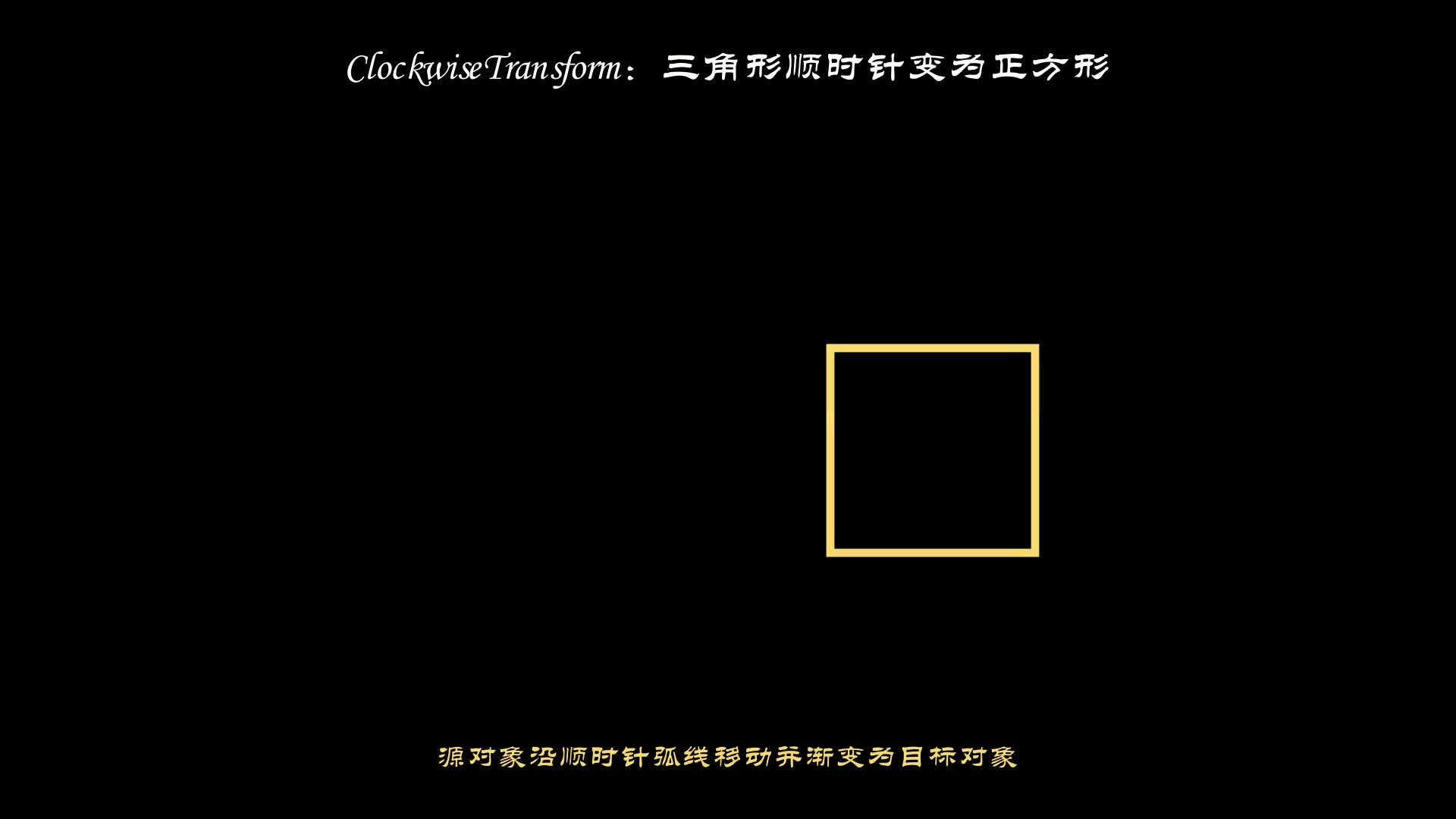
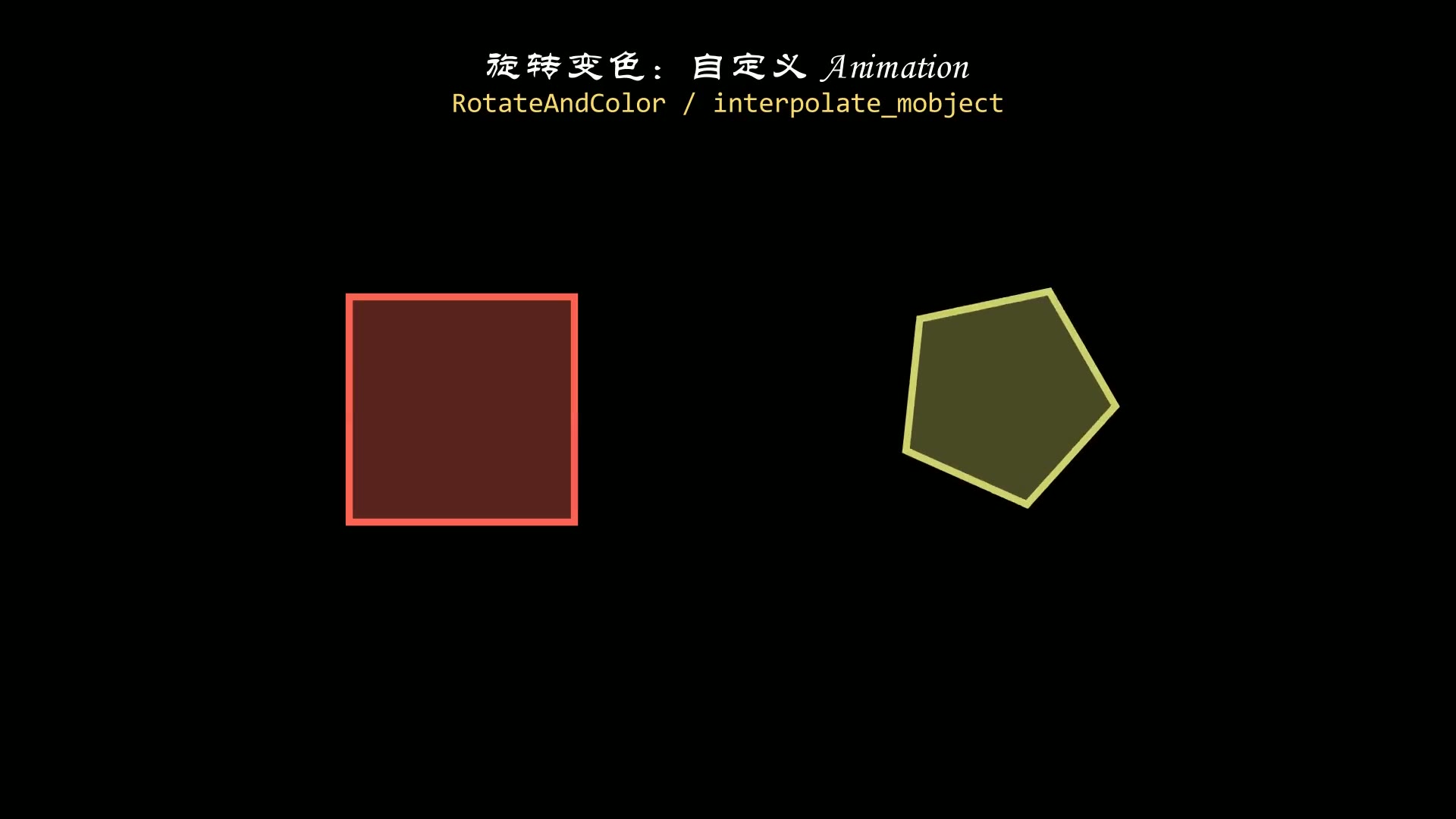
manim的主要功能就是制作动画,因此它提供了各类丰富的动画效果,
本篇主要介绍其中最常用的几种动画效果。
至于特殊的动画效果,以及自定义动画效果的方法以后再另外介绍。
1. 创建效果
展示某个元素或者文字时,一下子就全显示出来会显得比较突兀,通过创建效果的动画,让各个元素的出现更加的自然。
常用的创建效果动画主要有:Create,Write和FadeIn三个方法。
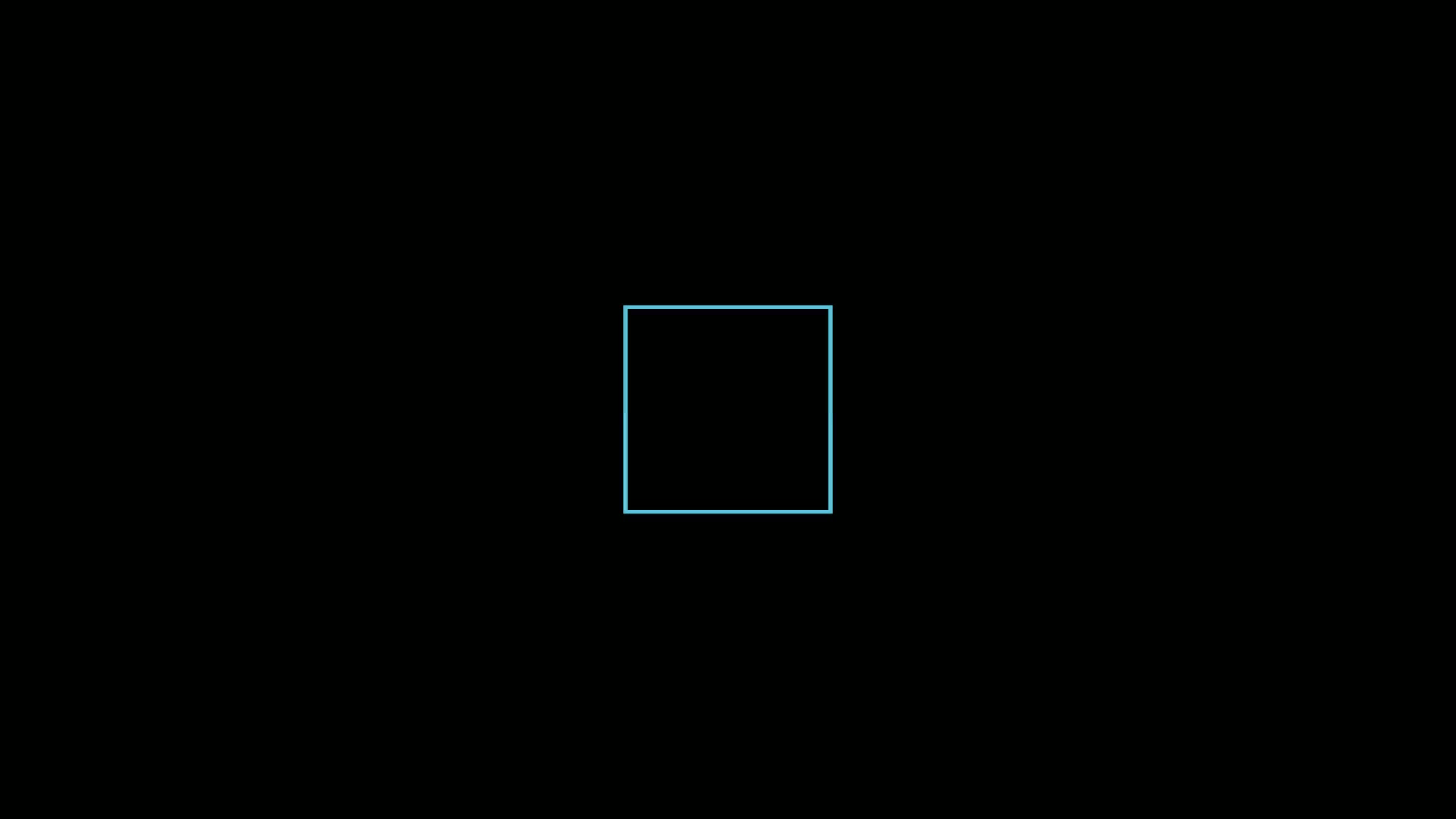
1.1 Create
Create一般用在创建图形上,绘制时图形逐步显示出来。
比如:
1
2
3
4
5
6
7
8
9
10
11
12
13
14
| from manim import *
import numpy as np
from numpy import array, pi, cos, sin
run_time = 1
data = [[1, 2], [3, 4]]
def dot(pos, **kwargs):
return Dot(pos, **kwargs)
class Z0046(Scene):
def construct(self):
sc = self
s = Square(side_length=2, color=BLUE)
self.play(Create(s))
self.wait(0.5)
self.wait(4.10)
|
下载 Python 脚本
运行效果:
1.2 Write
Write用在文字的创建上,绘制文字时逐个显示文字。
比如:
1
2
3
4
5
6
7
8
9
10
11
12
13
14
| from manim import *
import numpy as np
from numpy import array, pi, cos, sin
run_time = 1
data = [[1, 2], [3, 4]]
def dot(pos, **kwargs):
return Dot(pos, **kwargs)
class Z0047(Scene):
def construct(self):
sc = self
t = Text('Welcome to Manim', t2c={'Welcome': BLUE, 'Manim': RED}, t2f={'Manim': 'STCaiyun'})
self.play(Write(t))
self.wait(0.5)
self.wait(4.10)
|
下载 Python 脚本
运行效果:
1.3 FadeIn
FadeIn是一种逐渐由模糊到清晰的显示方式。
比如:
1
2
3
4
5
6
7
8
9
10
11
12
13
14
| from manim import *
import numpy as np
from numpy import array, pi, cos, sin
run_time = 1
data = [[1, 2], [3, 4]]
def dot(pos, **kwargs):
return Dot(pos, **kwargs)
class Z0048(Scene):
def construct(self):
sc = self
s = Square(side_length=2, color=BLUE, fill_opacity=0.6)
self.play(FadeIn(s))
self.wait(0.5)
self.wait(4.10)
|
下载 Python 脚本
运行效果:
2. 销毁效果
销毁的效果一般用在移除图形和文字的场合。
2.1 Uncreate
Uncreate一般用在擦除图形。
比如:
1
2
3
4
5
6
7
8
9
10
11
12
13
14
15
16
| from manim import *
import numpy as np
from numpy import array, pi, cos, sin
run_time = 1
data = [[1, 2], [3, 4]]
def dot(pos, **kwargs):
return Dot(pos, **kwargs)
class Z0049(Scene):
def construct(self):
sc = self
s = Square(side_length=2, color=BLUE)
self.play(*[FadeIn(_o) for _o in [s]], run_time=1.0)
self.wait(0.5)
self.play(Uncreate(s))
self.wait(0.5)
self.wait(2.60)
|
下载 Python 脚本
运行效果:
2.2 Unwrite
Unwrite一般用在擦除文字。
比如:
1
2
3
4
5
6
7
8
9
10
11
12
13
14
15
16
| from manim import *
import numpy as np
from numpy import array, pi, cos, sin
run_time = 1
data = [[1, 2], [3, 4]]
def dot(pos, **kwargs):
return Dot(pos, **kwargs)
class Z0050(Scene):
def construct(self):
sc = self
t = Text('Welcome to Manim', t2c={'Welcome': BLUE, 'Manim': RED}, t2f={'Manim': 'STCaiyun'})
self.play(*[FadeIn(_o) for _o in [t]], run_time=1.0)
self.wait(0.5)
self.play(Unwrite(t))
self.wait(0.5)
self.wait(2.60)
|
下载 Python 脚本
运行效果:
2.3 FadeOut
FadeOut是一种逐渐消失的显示方式。
比如:
1
2
3
4
5
6
7
8
9
10
11
12
13
14
15
16
| from manim import *
import numpy as np
from numpy import array, pi, cos, sin
run_time = 1
data = [[1, 2], [3, 4]]
def dot(pos, **kwargs):
return Dot(pos, **kwargs)
class Z0051(Scene):
def construct(self):
sc = self
s = Square(side_length=2, color=BLUE, fill_opacity=0.6)
self.play(*[FadeIn(_o) for _o in [s]], run_time=1.0)
self.wait(0.5)
self.play(FadeOut(s))
self.wait(0.5)
self.wait(2.60)
|
下载 Python 脚本
运行效果:
3. 移动效果
移动的动画有两个函数:
- shift:移动制定的距离
- move_to:移动到指定点
比如:
1
2
3
4
5
6
7
8
9
10
11
12
13
14
15
16
17
18
| from manim import *
import numpy as np
from numpy import array, pi, cos, sin
run_time = 1
data = [[1, 2], [3, 4]]
def dot(pos, **kwargs):
return Dot(pos, **kwargs)
class Z0052(Scene):
def construct(self):
sc = self
s = Square(side_length=1, color=BLUE, fill_opacity=0.6)
self.play(*[FadeIn(_o) for _o in [s]], run_time=1.0)
self.play(s.animate.shift(RIGHT))
self.play(s.animate.shift(UP))
self.play(s.animate.shift(LEFT * 2))
self.play(s.animate.shift(DOWN * 3))
self.play(s.animate.move_to(ORIGIN))
self.wait(0.5)
|
下载 Python 脚本
运行效果:
4. 旋转效果
旋转 Rotate,通过设置角度和旋转的中心来控制旋转效果。
比如:(原地自转)
1
2
3
4
5
6
7
8
9
10
11
12
13
14
15
16
| from manim import *
import numpy as np
from numpy import array, pi, cos, sin
run_time = 1
data = [[1, 2], [3, 4]]
def dot(pos, **kwargs):
return Dot(pos, **kwargs)
class Z0053(Scene):
def construct(self):
sc = self
s = Square(side_length=2, color=BLUE, fill_opacity=0.6)
self.play(*[FadeIn(_o) for _o in [s]], run_time=1.0)
self.play(Rotate(s, angle=2 * PI), run_time=2)
self.wait(0.5)
self.wait(0.5)
self.wait(1.60)
|
下载 Python 脚本
运行效果:
再比如:(绕某个中心点旋转)
1
2
3
4
5
6
7
8
9
10
11
12
13
14
15
16
| from manim import *
import numpy as np
from numpy import array, pi, cos, sin
run_time = 1
data = [[1, 2], [3, 4]]
def dot(pos, **kwargs):
return Dot(pos, **kwargs)
class Z0054(Scene):
def construct(self):
sc = self
s = Square(side_length=1, color=BLUE, fill_opacity=0.6).shift(UP)
self.play(*[FadeIn(_o) for _o in [s]], run_time=1.0)
self.play(Rotate(s, angle=2 * PI, about_point=ORIGIN), run_time=2)
self.wait(0.5)
self.wait(0.5)
self.wait(1.60)
|
下载 Python 脚本
运行效果:
5. 变换效果
变换也是使用的比较多的一种动画效果。
尤其是在数学视频中,经常遇到随着参数的变化,图形随之变形;或者反之。
5.1 图形变换
变换时既可以保留原图形(TransformFromCopy),
也可以从原图形直接变换成新的图形(ReplacementTransform)。
比如:(保留原图形)
1
2
3
4
5
6
7
8
9
10
11
12
13
14
15
16
17
| from manim import *
import numpy as np
from numpy import array, pi, cos, sin
run_time = 1
data = [[1, 2], [3, 4]]
def dot(pos, **kwargs):
return Dot(pos, **kwargs)
class Z0055(Scene):
def construct(self):
sc = self
s = Square(side_length=1, color=BLUE, fill_opacity=0.6).shift(LEFT * 2)
c = Circle(radius=1, color=RED, fill_opacity=0.6).shift(RIGHT * 2)
self.play(*[FadeIn(_o) for _o in [s]], run_time=1.0)
self.wait(0.5)
self.play(TransformFromCopy(s, c))
self.wait(0.5)
self.wait(2.60)
|
下载 Python 脚本
运行效果:
再比如:(不保留原图形)
1
2
3
4
5
6
7
8
9
10
11
12
13
14
15
16
17
| from manim import *
import numpy as np
from numpy import array, pi, cos, sin
run_time = 1
data = [[1, 2], [3, 4]]
def dot(pos, **kwargs):
return Dot(pos, **kwargs)
class Z0056(Scene):
def construct(self):
sc = self
s = Square(side_length=1, color=BLUE, fill_opacity=0.6).shift(LEFT * 2)
c = Circle(radius=1, color=RED, fill_opacity=0.6).shift(RIGHT * 2)
self.play(*[FadeIn(_o) for _o in [s]], run_time=1.0)
self.wait(0.5)
self.play(ReplacementTransform(s, c))
self.wait(0.5)
self.wait(2.60)
|
下载 Python 脚本
运行效果:
5.2 文字变换
文字变换与图形变换类似。
比如:(保留原文字)
1
2
3
4
5
6
7
8
9
10
11
12
13
14
15
16
17
| from manim import *
import numpy as np
from numpy import array, pi, cos, sin
run_time = 1
data = [[1, 2], [3, 4]]
def dot(pos, **kwargs):
return Dot(pos, **kwargs)
class Z0057(Scene):
def construct(self):
sc = self
t1 = MathTex('(a+b)^2').shift(UP)
t2 = MathTex('a^2 + 2ab + b^2')
self.play(*[FadeIn(_o) for _o in [t1]], run_time=1.0)
self.wait(0.5)
self.play(TransformFromCopy(t1, t2))
self.wait(0.5)
self.wait(2.60)
|
下载 Python 脚本
运行效果:
再比如:(不保留原文字)
1
2
3
4
5
6
7
8
9
10
11
12
13
14
15
16
17
| from manim import *
import numpy as np
from numpy import array, pi, cos, sin
run_time = 1
data = [[1, 2], [3, 4]]
def dot(pos, **kwargs):
return Dot(pos, **kwargs)
class Z0058(Scene):
def construct(self):
sc = self
t1 = MathTex('(a+b)^2').shift(UP)
t2 = MathTex('a^2 + 2ab + b^2')
self.play(*[FadeIn(_o) for _o in [t1]], run_time=1.0)
self.wait(0.5)
self.play(ReplacementTransform(t1, t2))
self.wait(0.5)
self.wait(2.60)
|
下载 Python 脚本
运行效果:
6. 总结回顾
本篇介绍的是常用的动画,其实 manim中还提供了其他多种效果的动画,
也提供了动画的底层函数,可以用来封装自己定制的动画效果。
本篇介绍的常用的动画效果有:
- 创建元素时的动画效果
- 销毁元素时的动画效果
- 移动元素的动画效果
- 旋转元素的动画效果
- 不同元素之间变换的的动画效果

主观感受,仅供参考。本文采用 本文采用 CC BY-NC-SA 4.0 许可 协议,
完整转载请注明来自
数学动画引擎。