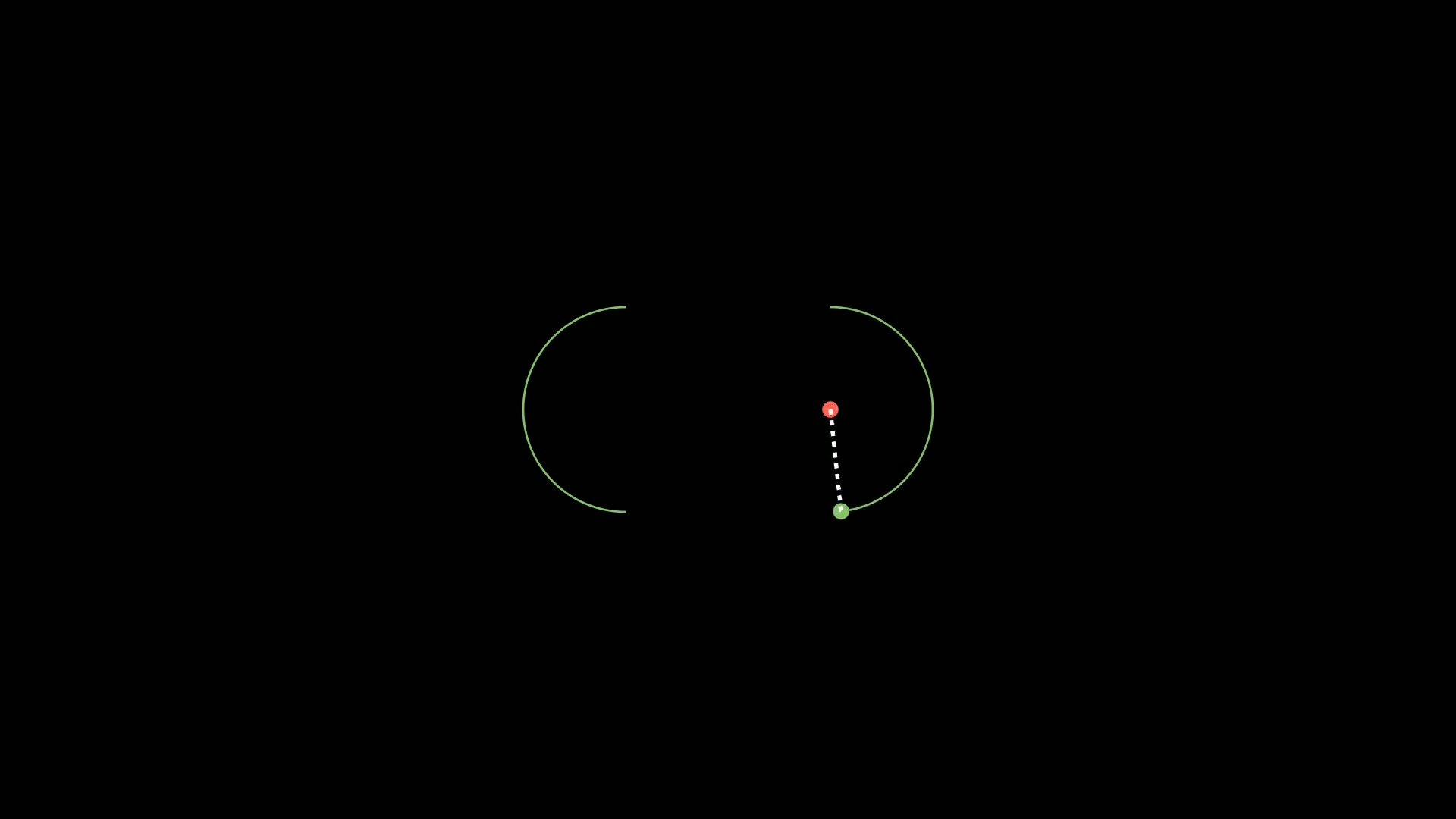
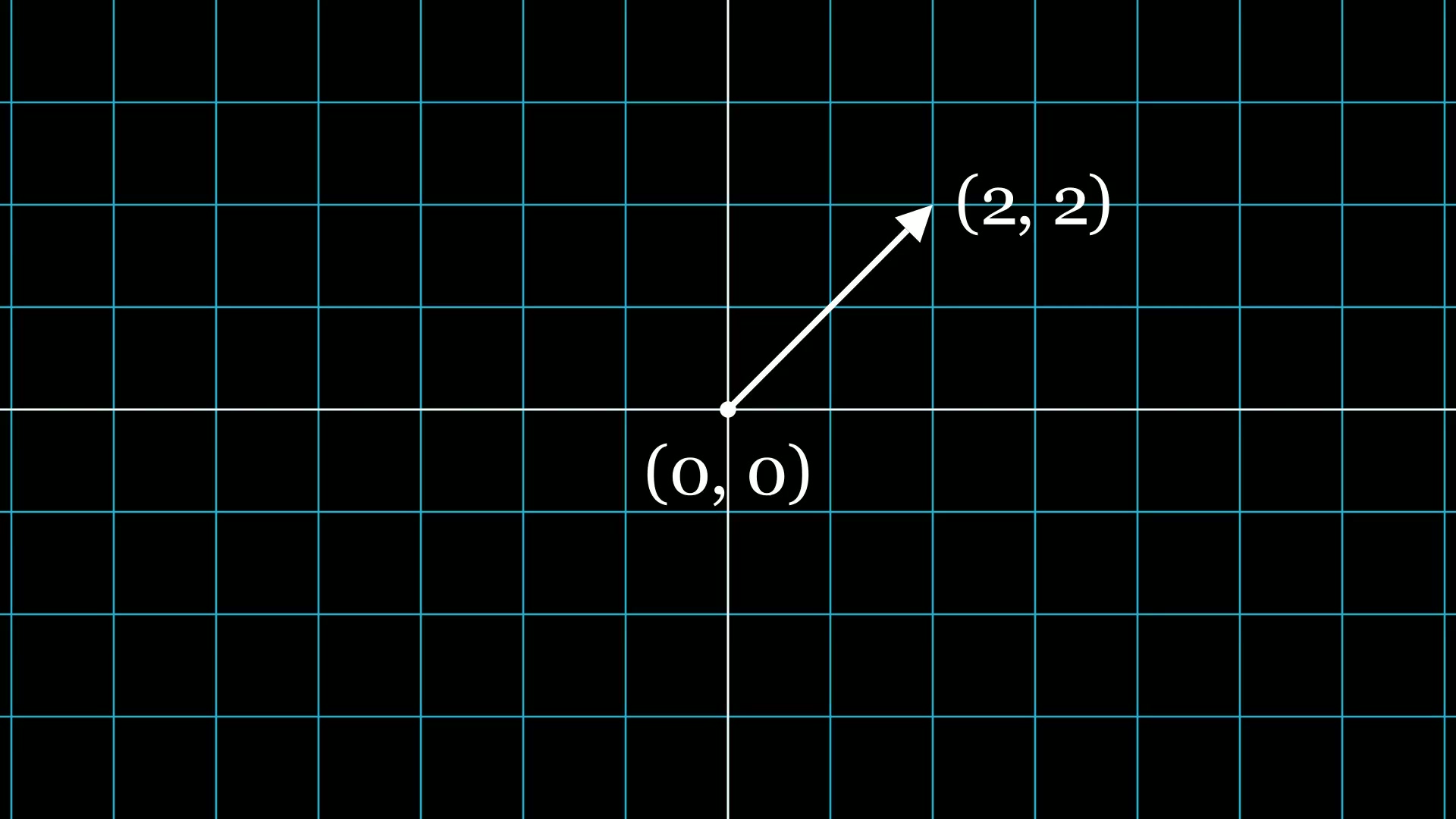
曲线很长、画面放不下时,让镜头跟着运动点走。示例把相机取景框缩小到 0.5 倍并移到点上,给取景框挂 updater 跟随点的位置,走完再用 Restore 拉回全景。
完整代码
1
2
3
4
5
6
7
8
9
10
11
12
13
14
15
16
17
18
19
20
21
| from manim import *
import numpy as np
class FollowingGraphCamera(MovingCameraScene):
def construct(self):
self.camera.frame.save_state()
ax = Axes(x_range=[-1, 10], y_range=[-1, 10])
graph = ax.plot(lambda x: np.sin(x), color=BLUE, x_range=[0, 3 * PI])
moving_dot = Dot(ax.i2gp(graph.t_min, graph), color=ORANGE)
dot_1 = Dot(ax.i2gp(graph.t_min, graph))
dot_2 = Dot(ax.i2gp(graph.t_max, graph))
self.play(*[FadeIn(_o) for _o in [ax, graph, dot_1, dot_2, moving_dot]], run_time=1.0)
self.play(self.camera.frame.animate.scale(0.5).move_to(moving_dot))
def update_curve(mob):
mob.move_to(moving_dot.get_center())
self.camera.frame.add_updater(update_curve)
self.play(MoveAlongPath(moving_dot, graph, rate_func=linear))
self.camera.frame.remove_updater(update_curve)
self.play(Restore(self.camera.frame))
self.wait(1.60)
|
演示视频
下载 Python 脚本
要点
MovingCameraScene 才有 self.camera.frame,普通 Scene 没有self.camera.frame.save_state() 与 Restore(...) 配对,用于恢复视角- 取景框的 updater 用
move_to(点) 跟随,比手动改坐标简单
代码来源:Manim Community 官方 Example Gallery 示例 FollowingGraphCamera(MIT),已在 Manim CE 0.20.1 实跑验证并生成上方视频。

主观感受,仅供参考。本文采用 本文采用 CC BY-NC-SA 4.0 许可 协议,
完整转载请注明来自
数学动画引擎。